Page History
[  |../../index.htm#lansa/vlfonetutorials_0205.htm]
...
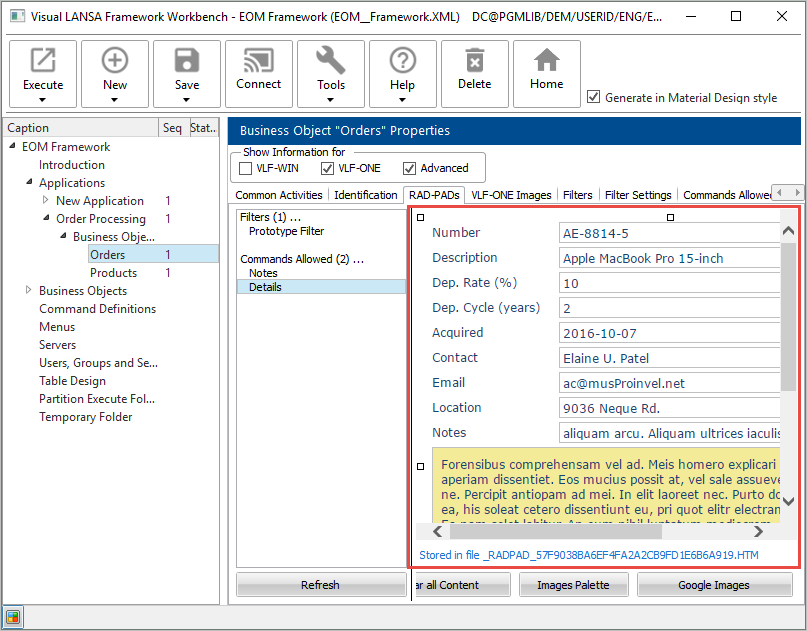
In the workbench, display the RAD-PAD tab for Orders:
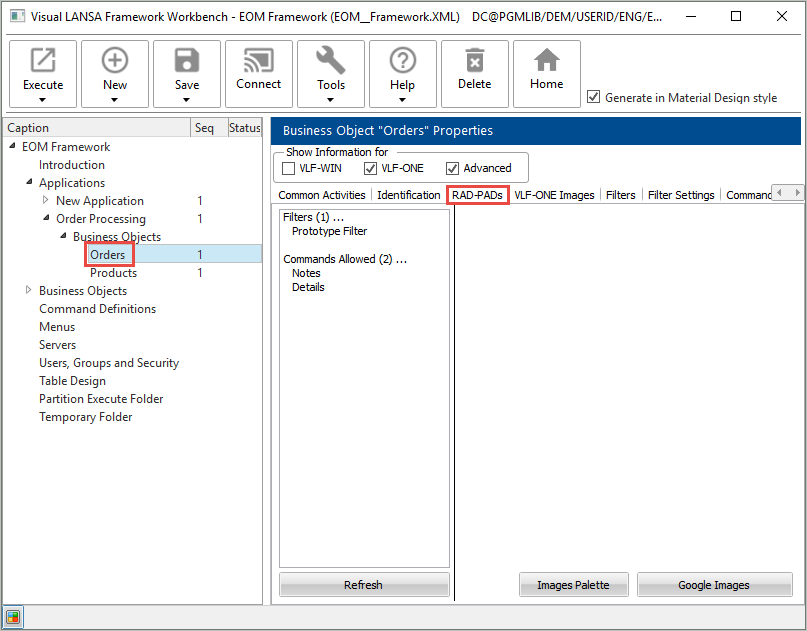
If you do not know what a RAD-PAD is, see Mock Up RAD-PAD.
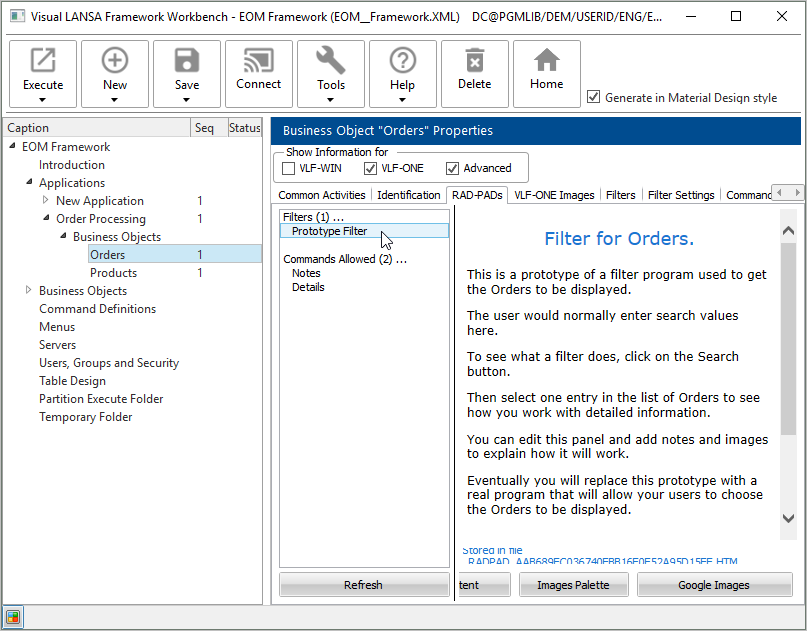
Display the Prototype Filter:
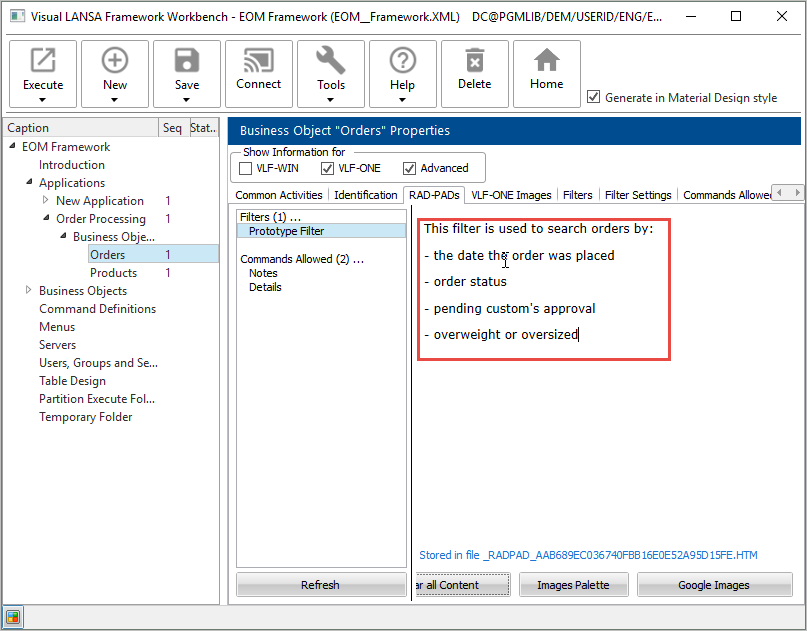
Click on Clear all Content and type in text describing what the filter does:
Next change the prototype command handler for Details. Press the Clear All Content button and click on Images Palette to add an image on the command handler.
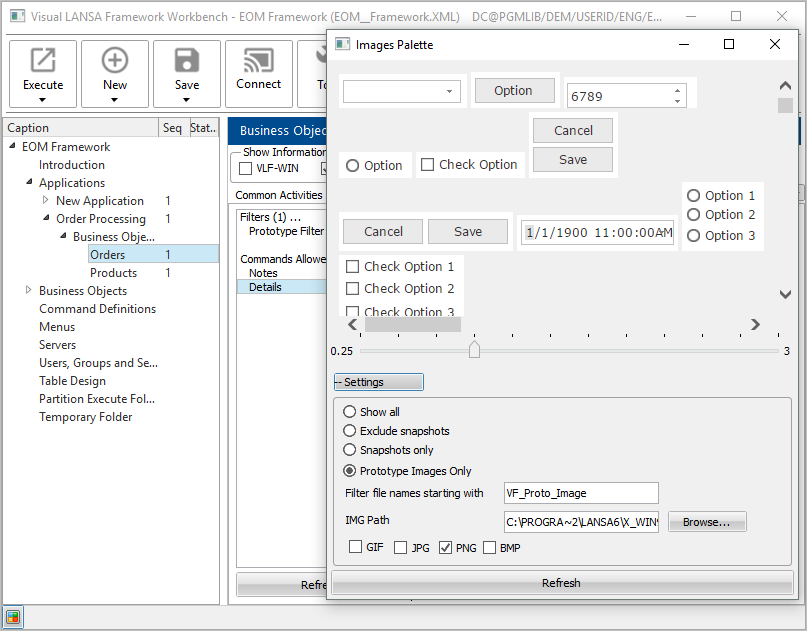
If you are working from an IBM i server, please see Can I use prototype images in VLF-ONE applications?.
Select an image and drag it onto the command handler, so that the cursor is over the word Cleared, and drop it.
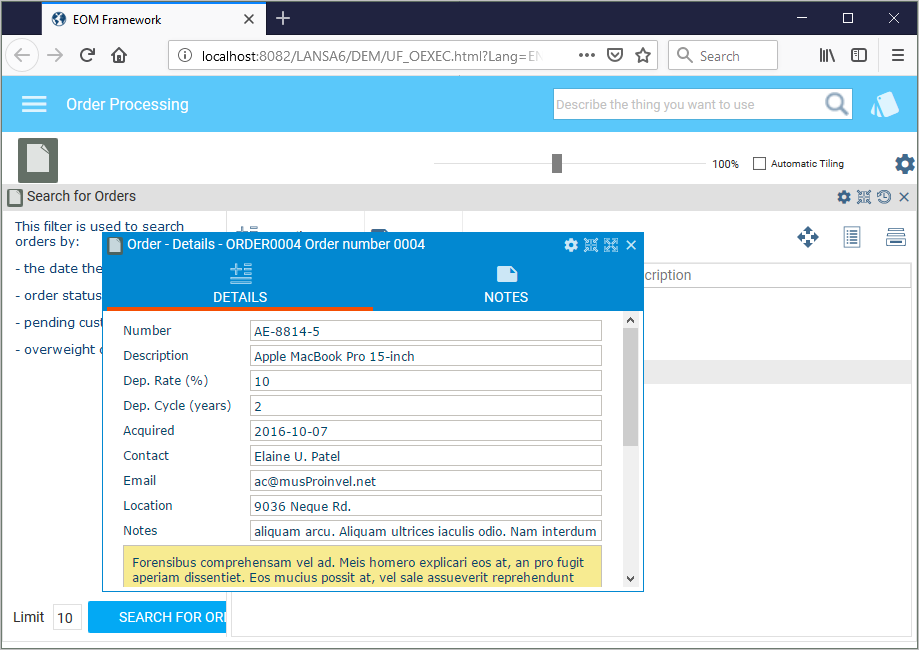
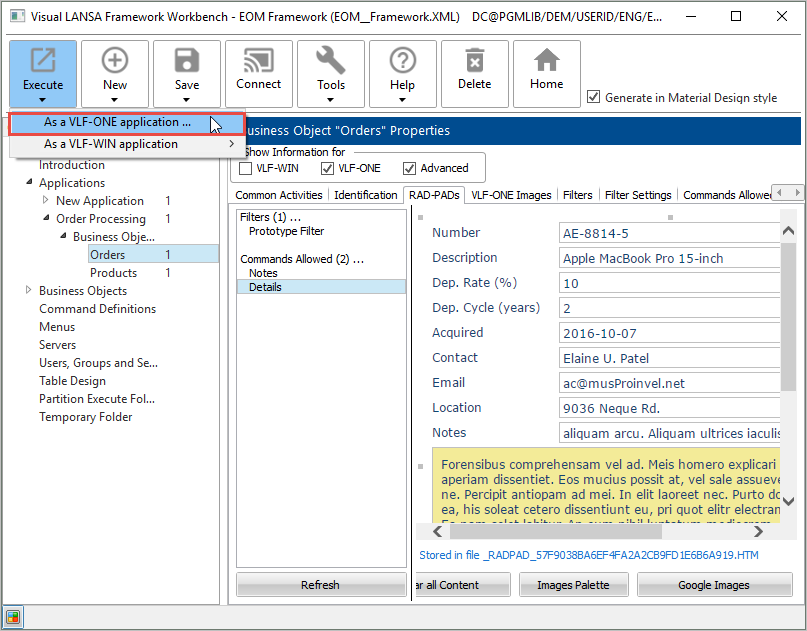
Save and execute the Framework to see the prototype at run time:
Select the Order Processing application and then the Orders business object. Click on Search Orders and then display the Details command handler for an instance list entry:
[ |../../index.htm#lansa/vlfonetutorials_0205.htm]