Page History
Show Contents List
You are here:
...
If you get this message in your browser when running your web page in debug mode: 

1. Open the Web Administrator.
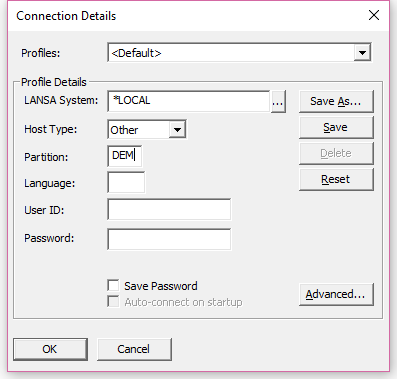
2. Connect to the appropriate LANSA System.
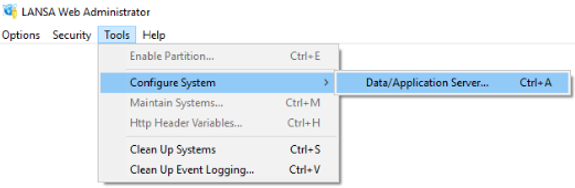
3. Select to Configure the Application Server
4. On the Miscellaneous Tab check to Allow Interactive Debugging.
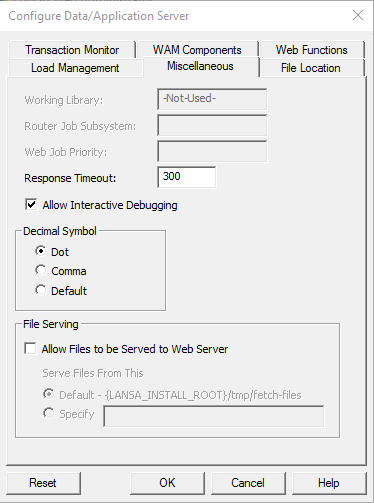
5. Press OK to save.
6. Run your web page again.
Show Contents List