Page History
[  |../../index.htm#lansa/vlfonetutorials_0235.htm]
...
For this exercise, you need a new business object (see Create a Business Object Manually). Select the business object and display its Common Activities.
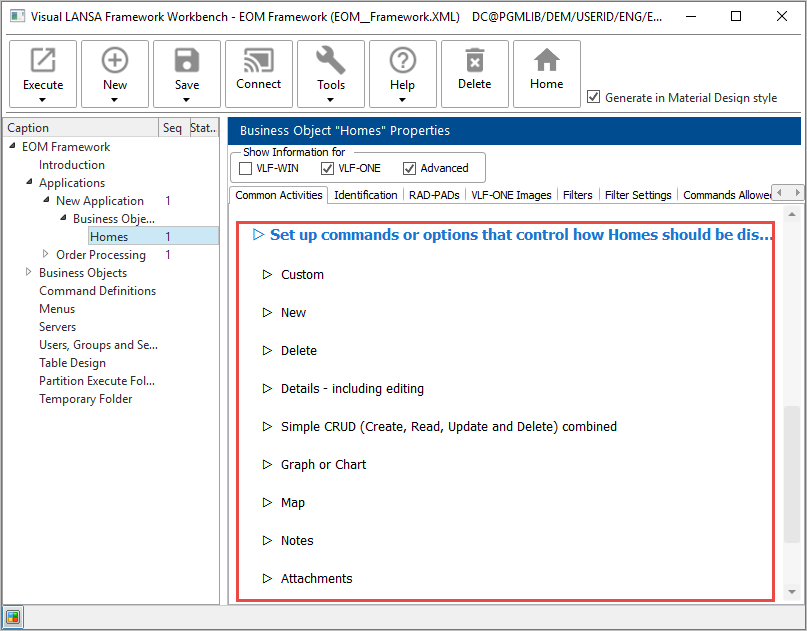
To generate a command handler automatically, use the Set up commands or options that control how New Business Object should be displayed or processed options on a business object's Common Activities tab:
Before you can generate a command handler, the instance list table, columns, and identifier have to be set up (see Define the Instance List). In this example, the table associated with the business object is xHomesForSale.
The business object also needs to have a filter to fill in the instance list. See the example Automatically Generate and Snap in Filters.
Choose the option Details – including editing to create a command handler to maintain the details of homes for sale. Use the Frameworks generation prefix for naming or modify it as required. Click Create and choose Create Only.
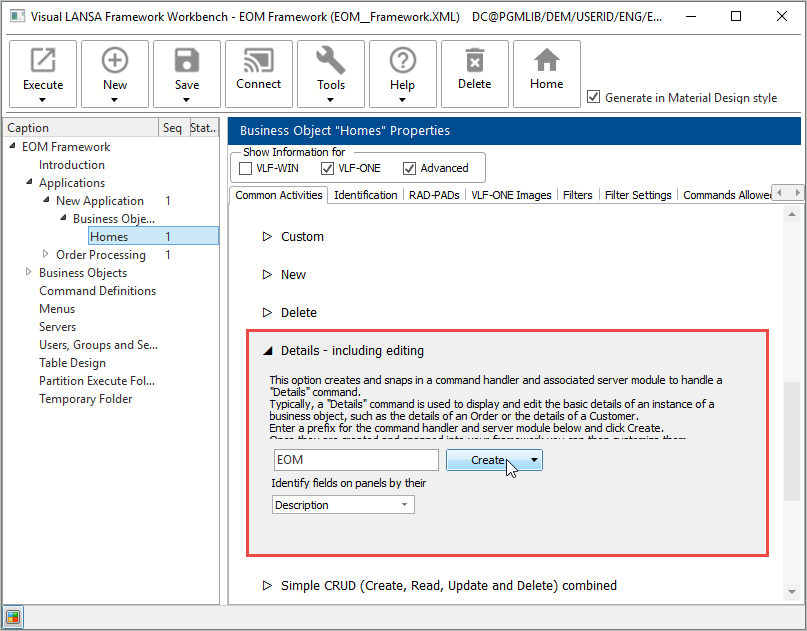
Wait until the command handler has been created and snapped in.
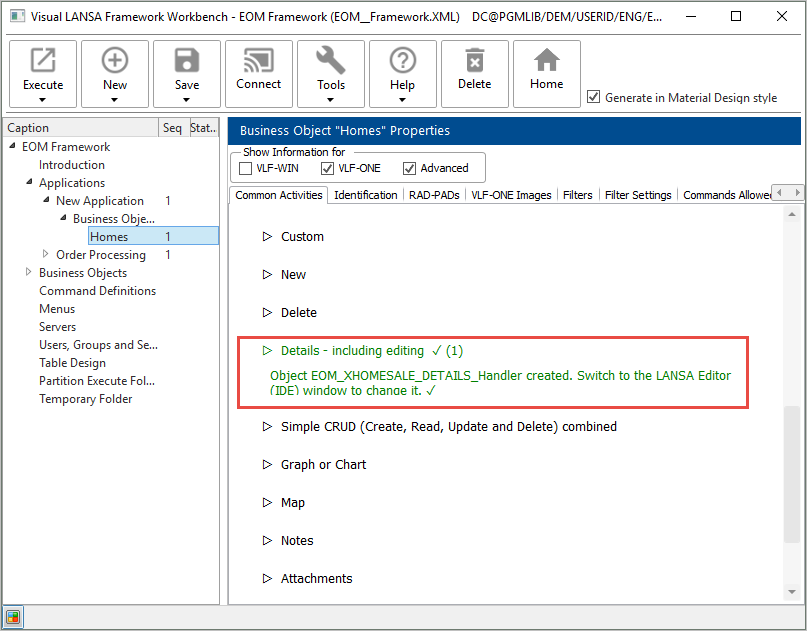
Then display the Commands Allowed tab to see the Details command:
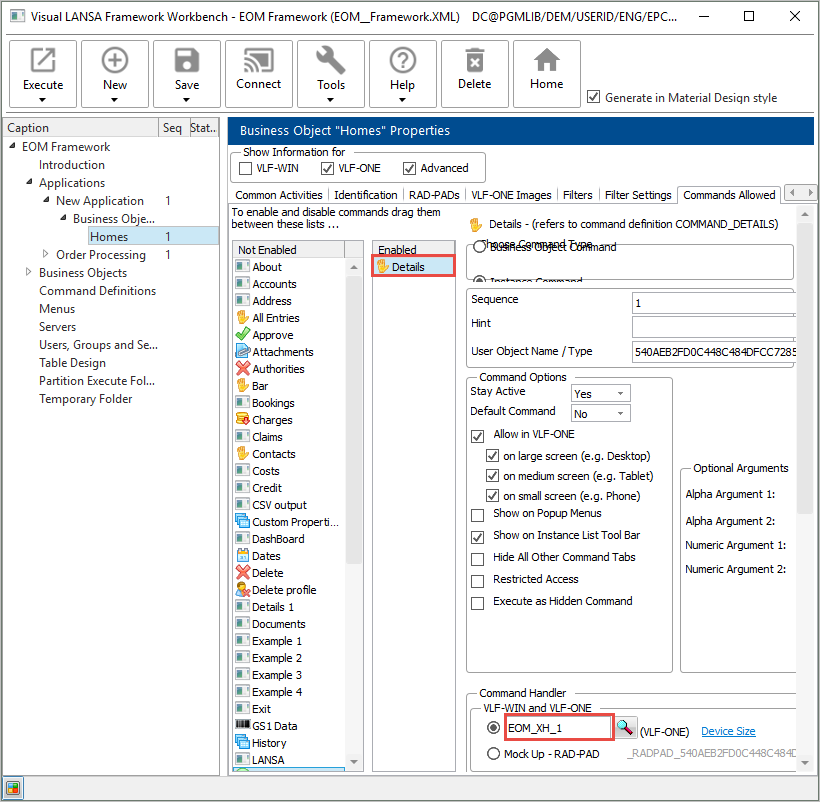
Note the command handler has been snapped in.
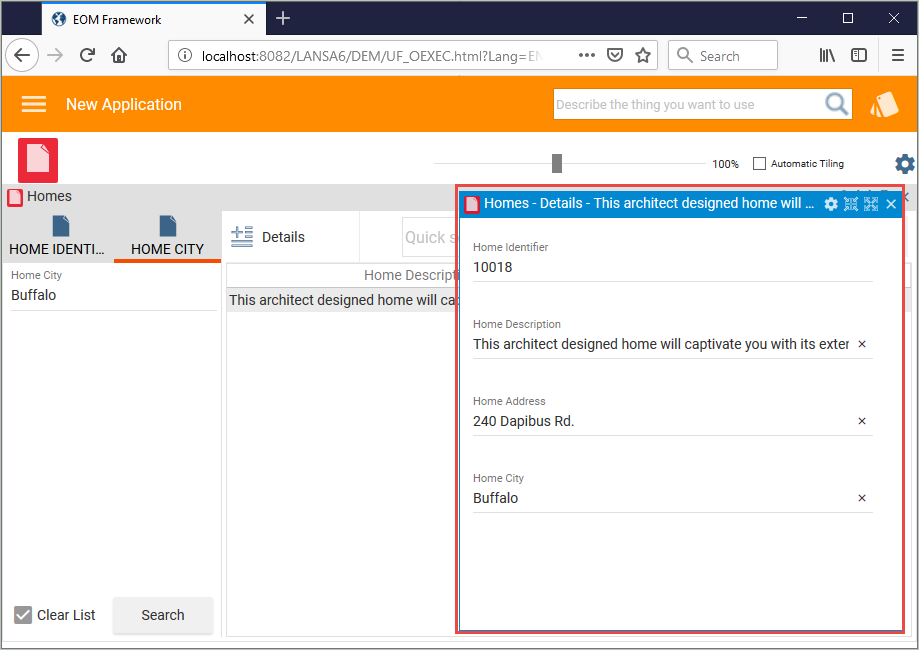
Execute the Framework to test the command handler. Use the filter to fill the instance list and double-click an instance list entry or choose Details from the command bar:
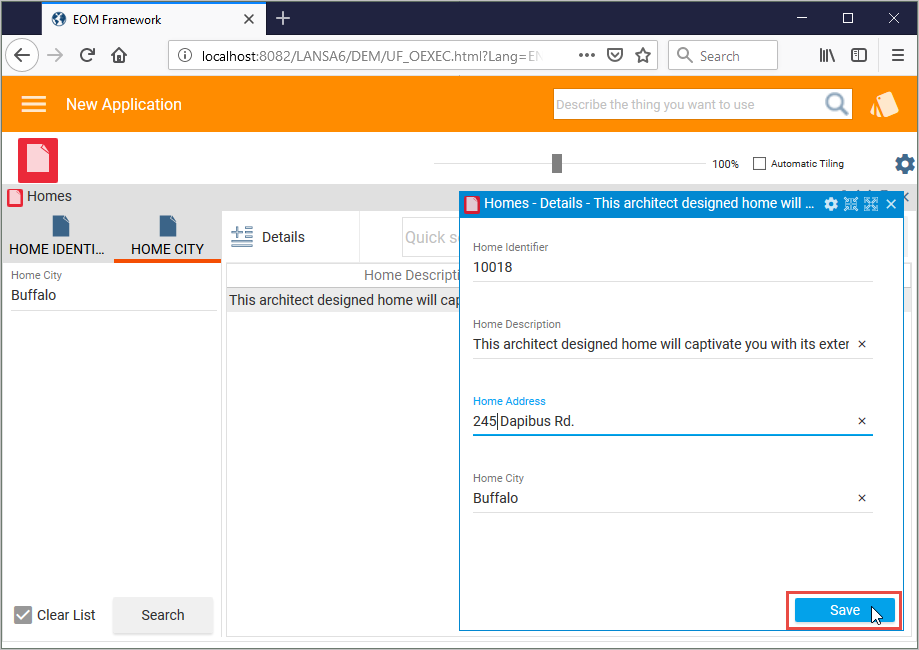
Make a change to a detail on the command handler and click Save:
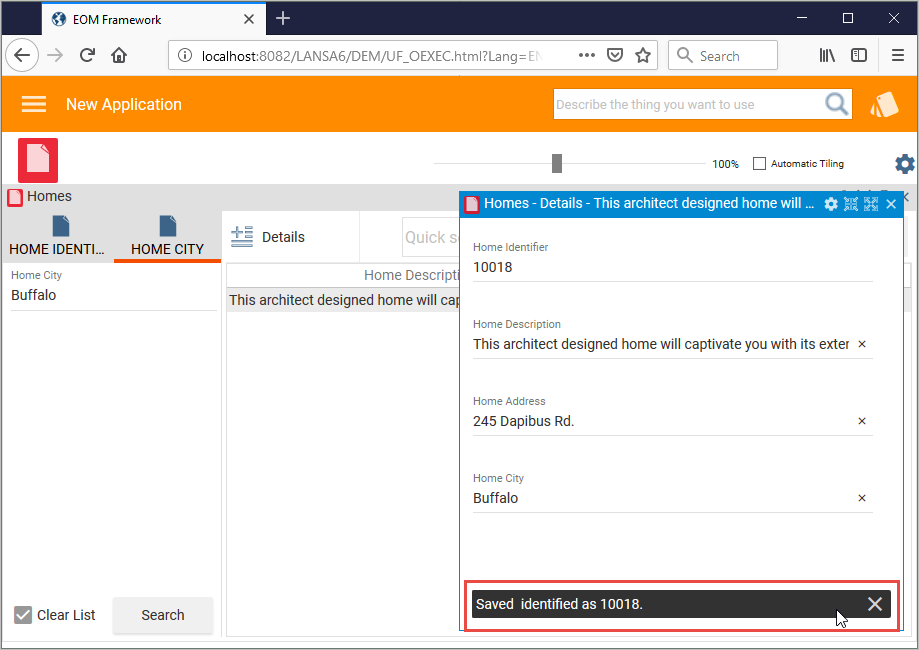
A message indicating the changes have been saved is displayed:
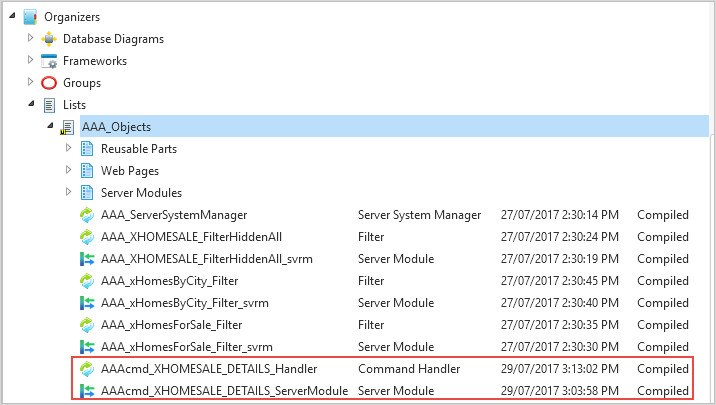
Switch to the Visual LANSA editor, and display the repository tracking list for your Framework to see the command handler and its associated server module.
[ |../../index.htm#lansa/vlfonetutorials_0235.htm]