Page History
[  |../../index.htm#lansa/vlfonetutorials_0245.htm]
...
In the Framework Common Activities tab, expand Slide In panels and choose Create a bottom edge slide in panel.
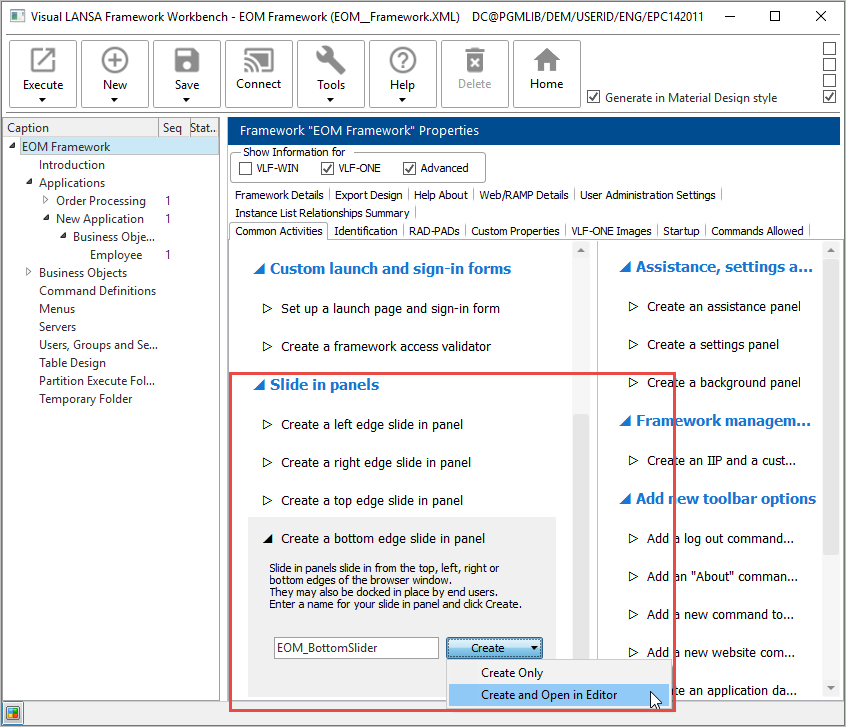
Click Create, and choose Create and Open in Editor.
Wait until the panel has been created.
Execute the Framework as a VLF-ONE application. Use the default execution options and sign in.
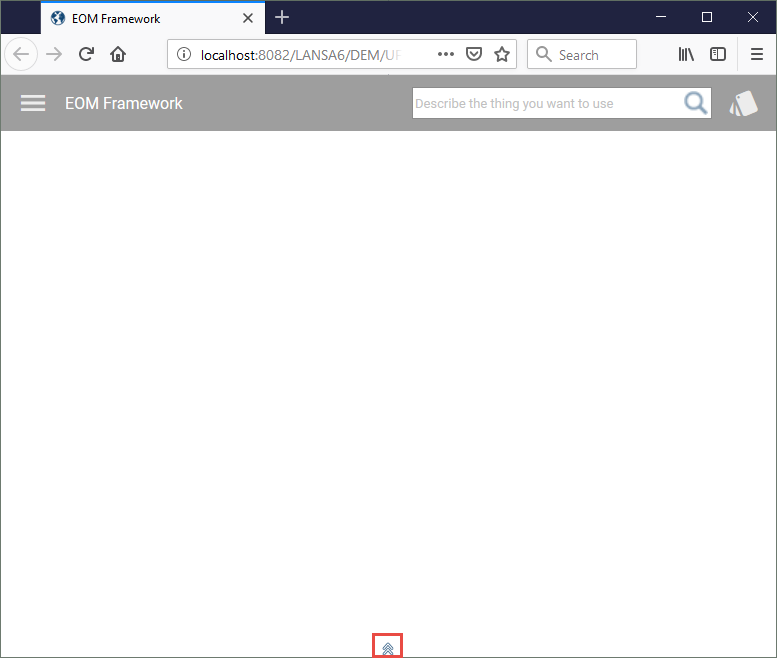
Note the double arrow indicating there is a bottom slide in panel:
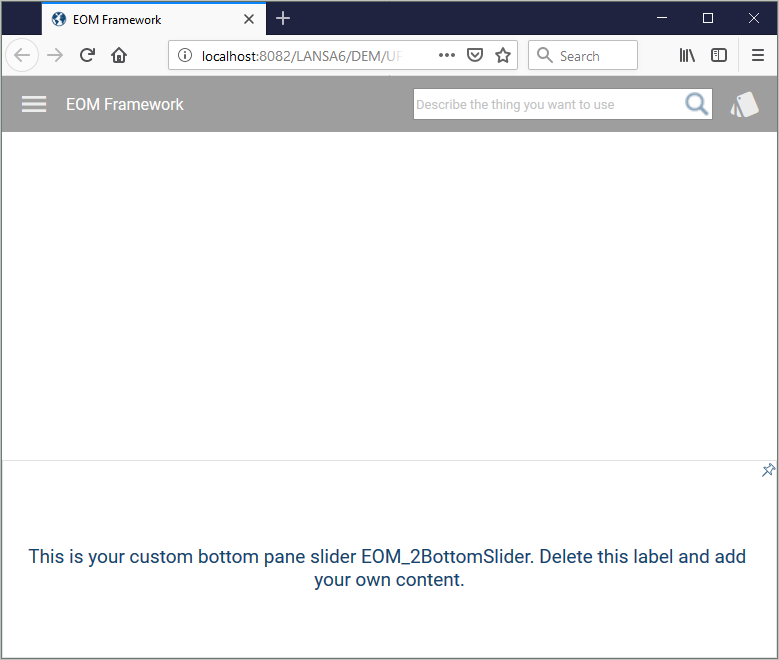
Click on the double arrow to display the slide in panel:
[ |../../index.htm#lansa/vlfonetutorials_0245.htm]