Page History
[  |../../index.htm#lansa/vlfonetutorials_0275.htm]
...
An assistance or information panel is used to direct the user to resources that provide application usage assistance.
To create an assistance pane select Create an assistance panel in the Framework's Common Activities tab.
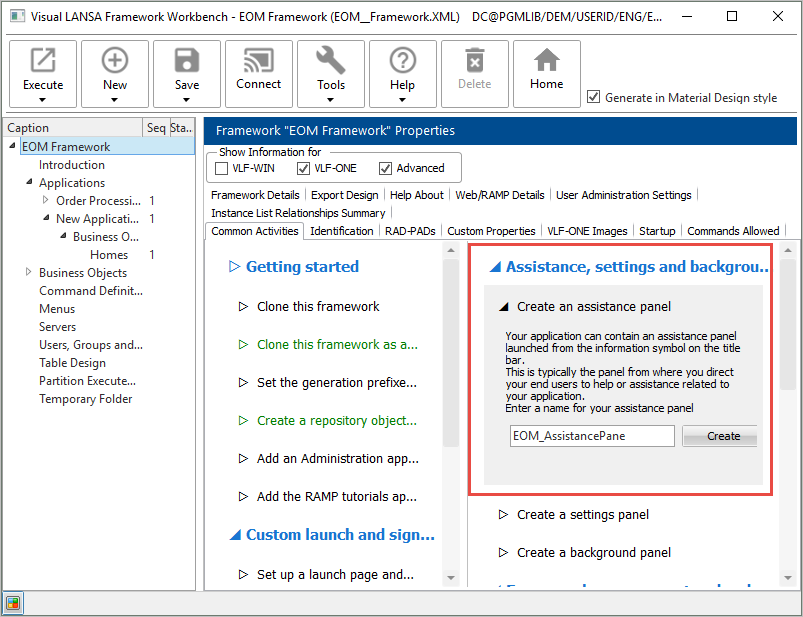
Click Create and choose Create Only, and wait until the panel has been created.
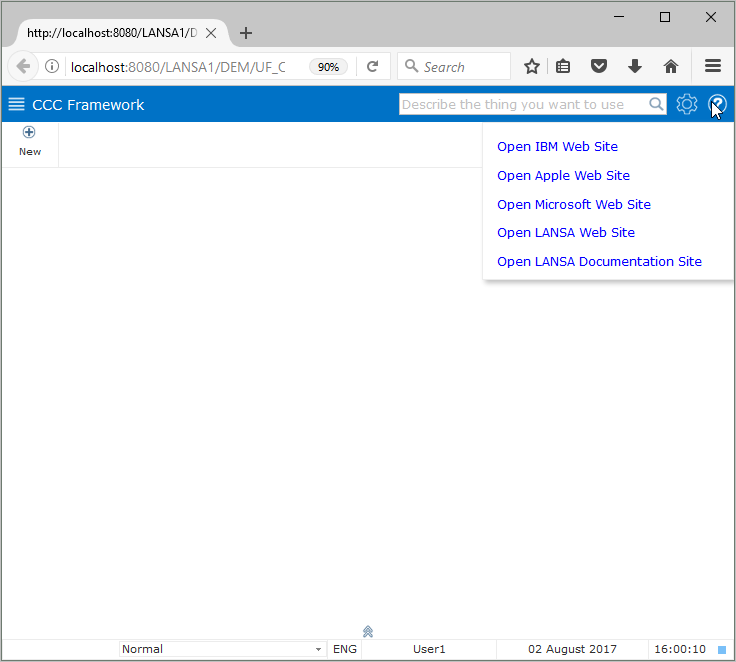
Execute the Framework and click on the question mark icon in the top right to display the Assistance panel.
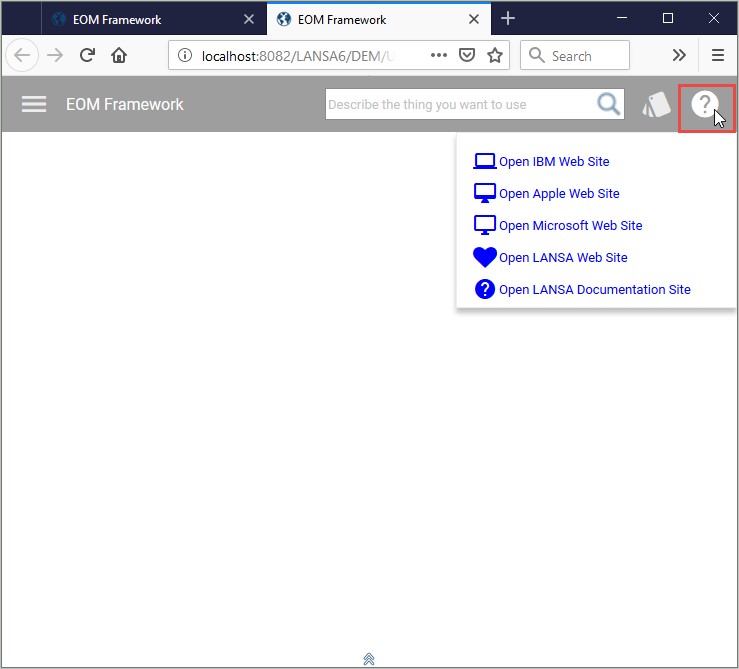
The panel has hyperlinks to some web sites as an example.
You can modify the assistance panel in the Visual LANSA editor, recompile, and test the result.
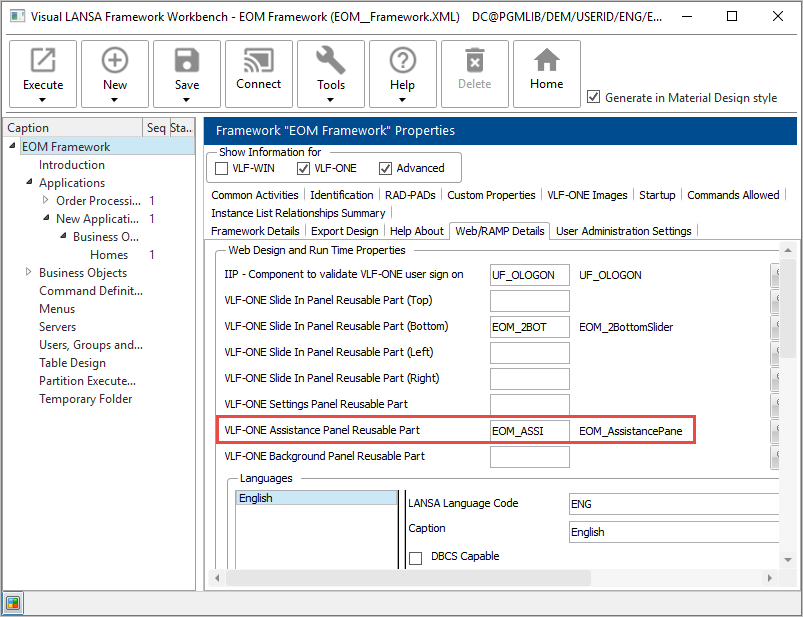
Note that the Assistance Pane is snapped in on the Framework's Web/RAMP Details tab:
[ |../../index.htm#lansa/vlfonetutorials_0275.htm]