Page History
[  |../../index.htm#lansa/lansa048_6505.htm]
...
In this step you will execute the HR Demo Application.
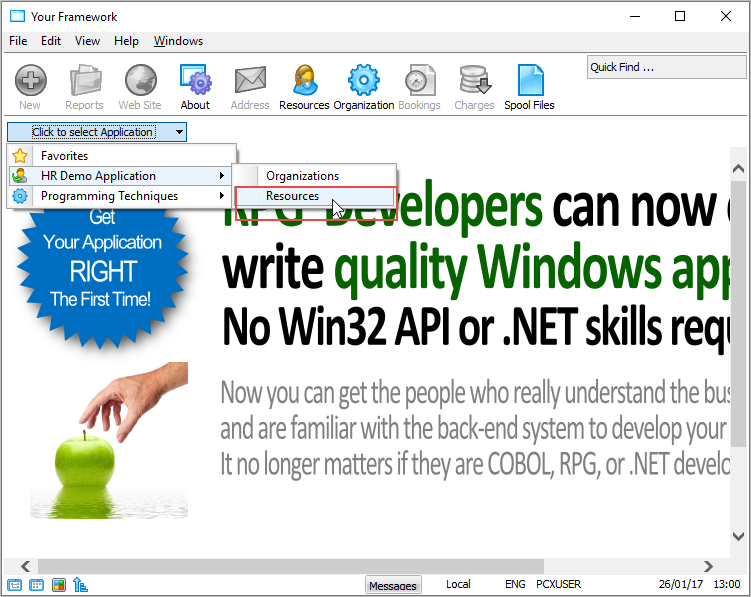
1. Select the HR Demo Application in the Framework, then Resources.
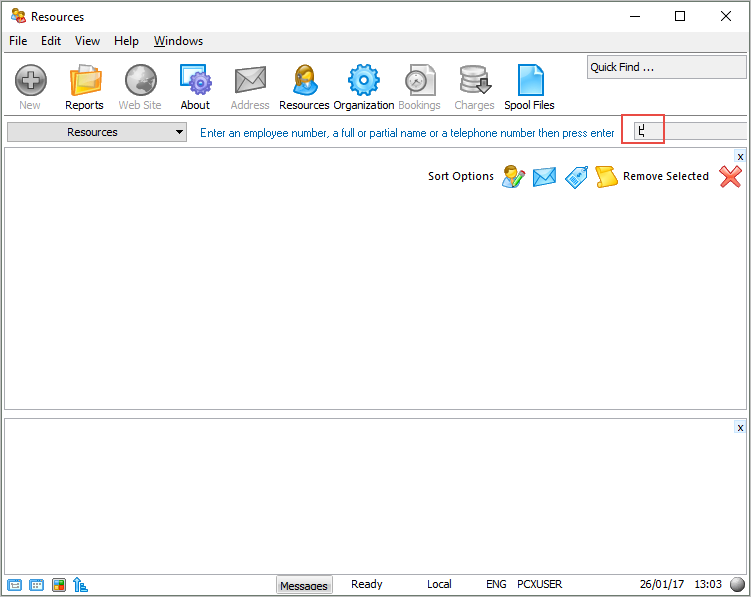
2. Use the minifilter on the top right to find employees. Type in a letter.
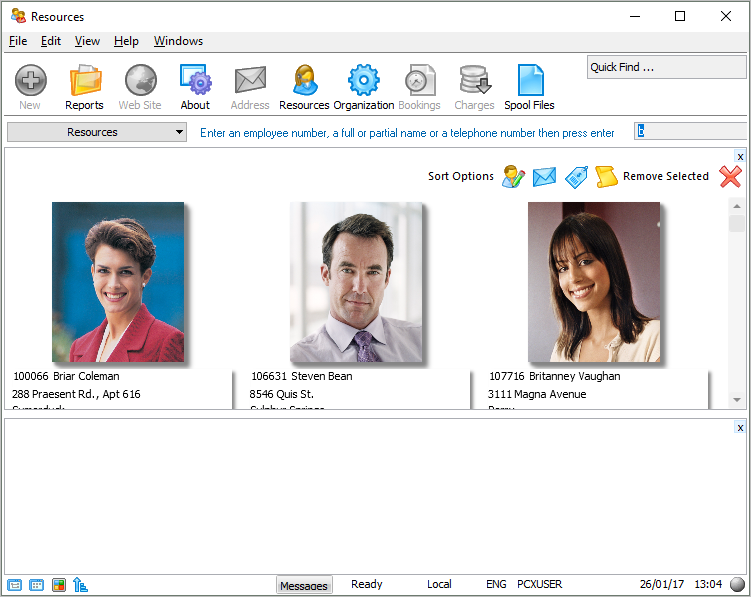
Employees, with an ID, name or skill starting with the letter you have entered are displayed:
3. Select the File menu and choose the Exit option to close the Visual LANSA Framework application.
You have now completed the first VLF-WIN tutorial.
[ |../../index.htm#lansa/lansa048_6505.htm]