Page History
[  |../../index.htm#lansa/lansa048_1240.htm]
...
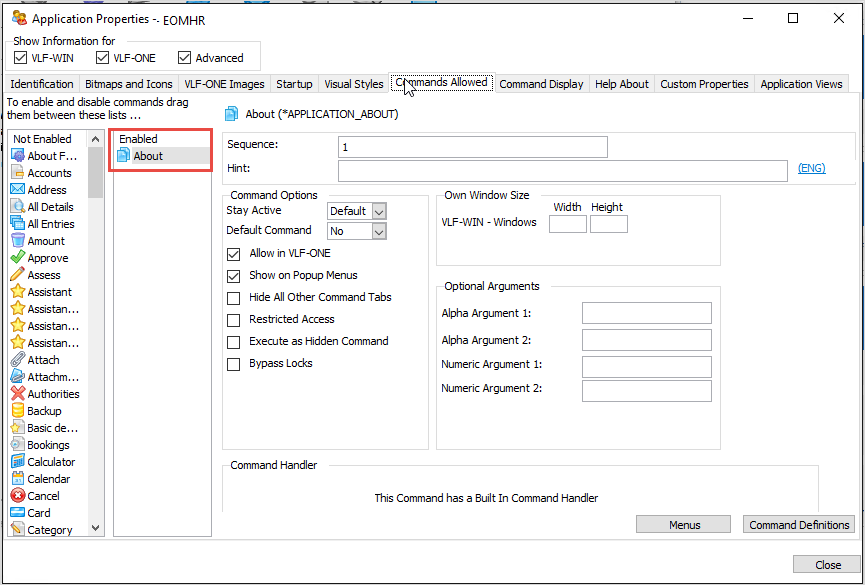
In this step, you will review the About command. The About command is enabled by default for all new applications. This command brings up the Help About dialog which provides information about the application.
1. Display the Commands Allowed tab.
The The command list on the left shows all the commands that exist in the Framework. The Enabled column indicates whether the command is enabled for your iiiHR application.
2. Display the Help About tab.
3. Enter https://lansa.com
 (or some other valid web site) for Technical Support.
4. Add some text for the copyright.
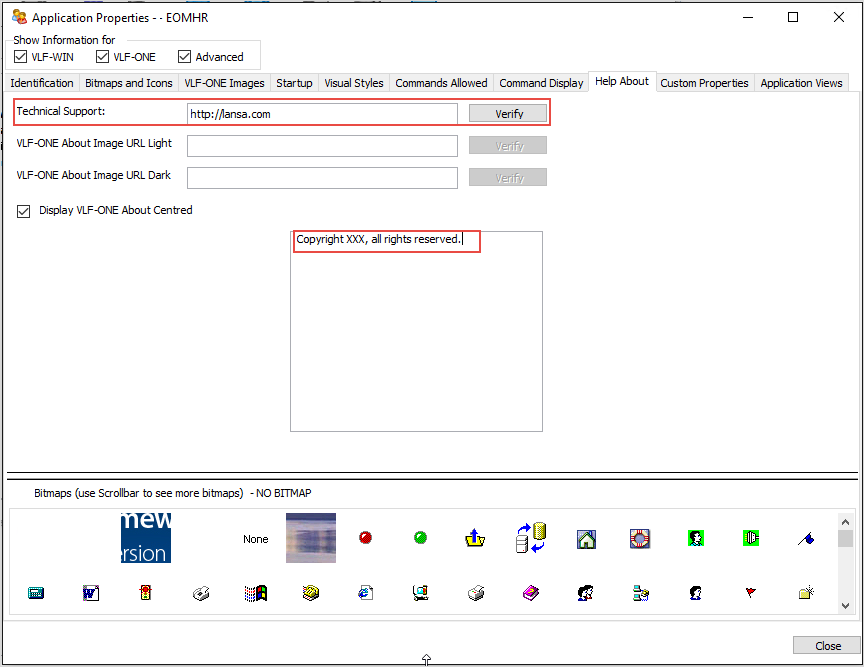
6. Close your application's properties.
You have now finished defining your application.
[ |../../index.htm#lansa/lansa048_1240.htm]