Page History
[  |../../index.htm#lansa/lansa048_4460.htm]
...
In this step, you associate the business objects with the application.
1. Select the Employees and the Statistical Reporting business objects.
2. Drag them to the iiiHR application:
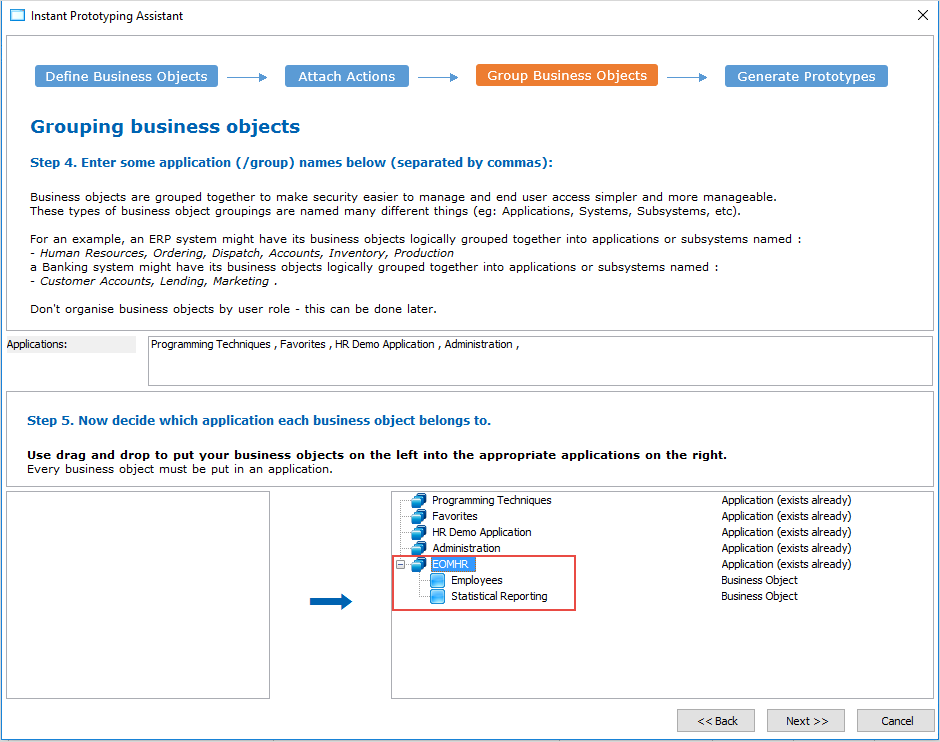
Note that instead of manually defining your application as you did in VLF001 - Defining Your HR Application, you could have added it on this screen to the list of existing applications. It is important to realize that you can prototype an entire system of many applications using the Instant Prototyping Assistant.
3. Click Next. A summary of your application prototype is shown.
4. Click Finish to create the prototype.
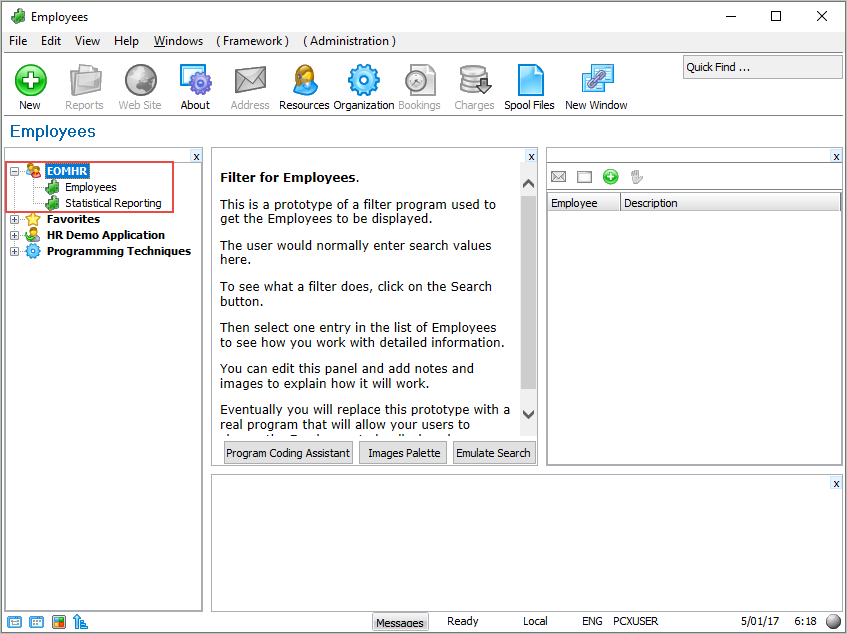
You can now see your application and business objects in the Framework:
[ |../../index.htm#lansa/lansa048_4460.htm]