Page History
[  |../../index.htm#lansa/lansa048_1270.htm]
...
In this step, you will have a look at what your business objects look like now.
1. Close the Business Object Properties tab folder.
2. Click on the Employees business object. The
The Employees business object is displayed in your application:
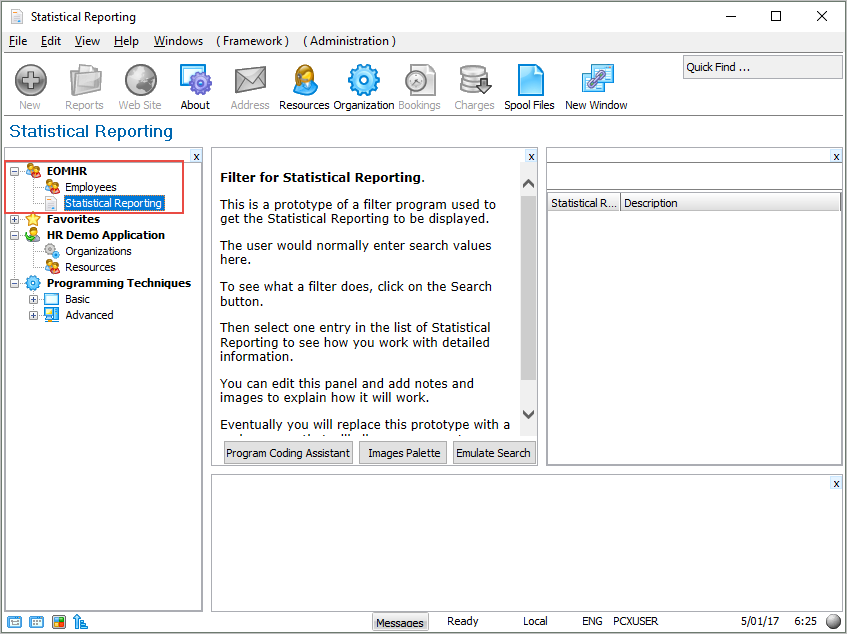
In In the window, you can also now see a mock-up Filter and, next to it, an Instance List. However, your definition of the Employees business object is not yet complete.
You will learn more about filters and instance list in VLF003 - Prototyping Your Filters.
[ |../../index.htm#lansa/lansa048_1270.htm]