Page History
...
In this step you will test signaling from the RAMP script to the filter.
1. Execute the Framework as a VLF-WIN application, as Designer, and select an employee from the instance list to redisplay the DisplayEmployee screen with the new button.
2. Click on the Send Signal to Filter button:
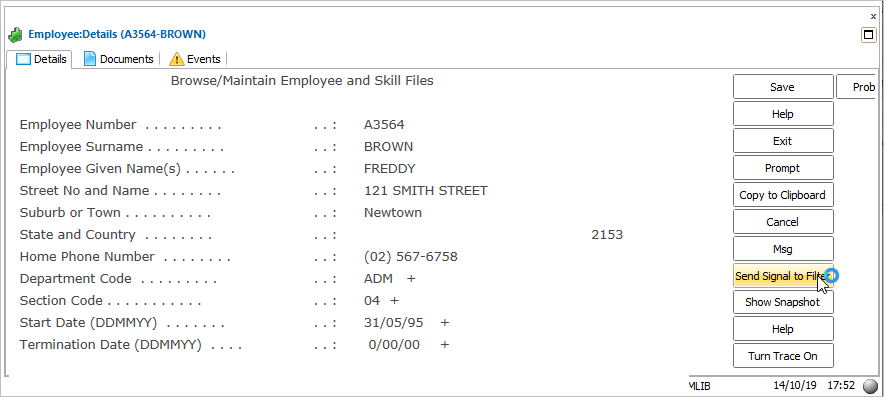

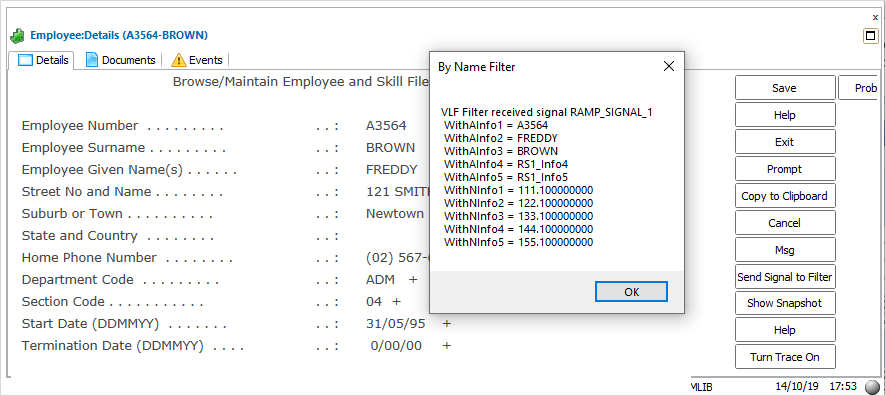
The RAMP script fires off a framework wide signal. The filter hears this signal in its EVTROUTINE HANDLING(#Com_Owner.avEvent) routine and displays message box indicating that it has received the signal, and what the payload was.
Show Contents List