Page History
...
In this step you will start an application trace and then redisplay the destination screen in order to understand what happens when a destination screen is displayed.
1. Execute the Framework as a VLF-WIN application, as Designer.
2. Select an Employee in the instance list of the Personnel application.
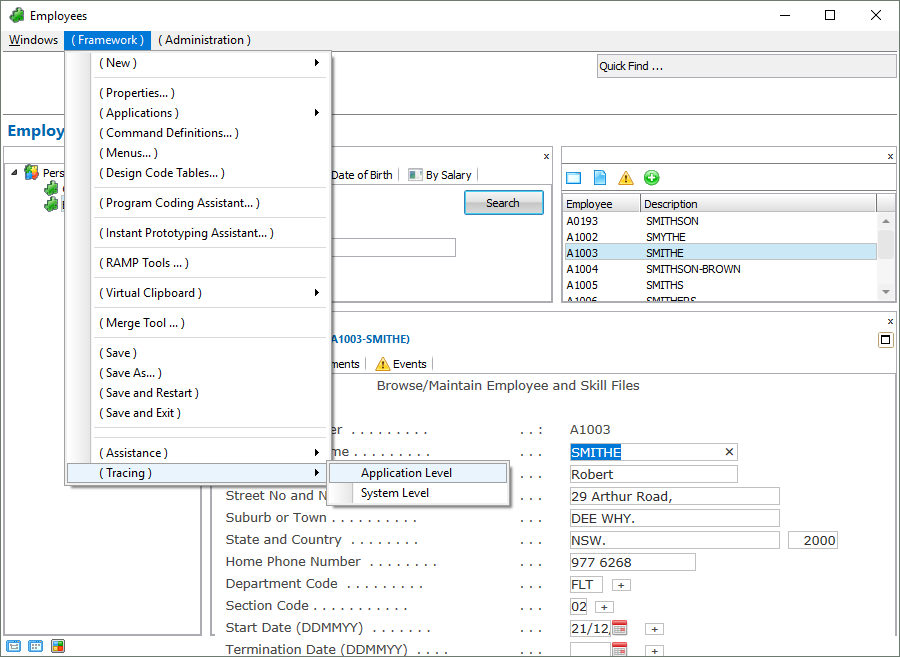
3. When the details for the employee are displayed, start an application trace using the Framework menu: 
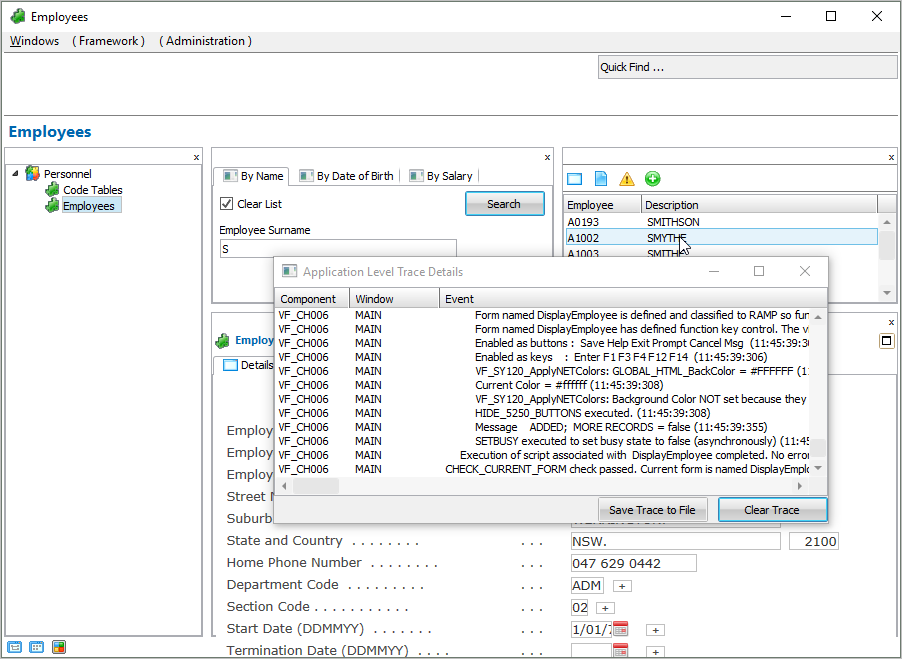
4. Now select another employee in the instance list. Notice that the trace details are shown in the window.
5. Click on the Save Trace to File button to save the trace details to a file and then open it in Notepad.