Page History
...
Execute the Framework as a VLF-ONE application.
Choose the RAMP Tutorial application, then Products.
In the product filter make any selection, for example: 
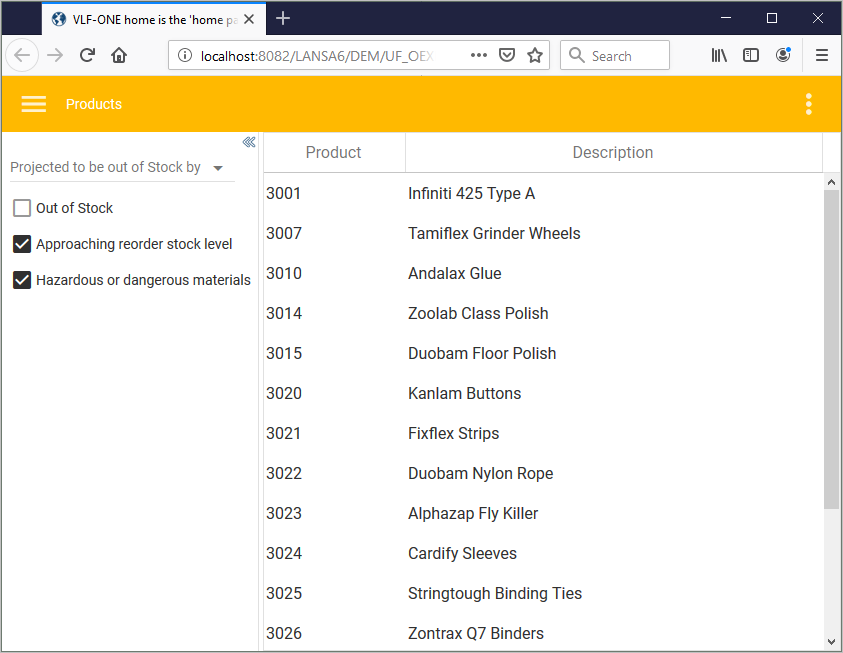
Select a product and click it to view the details for the selected entry.
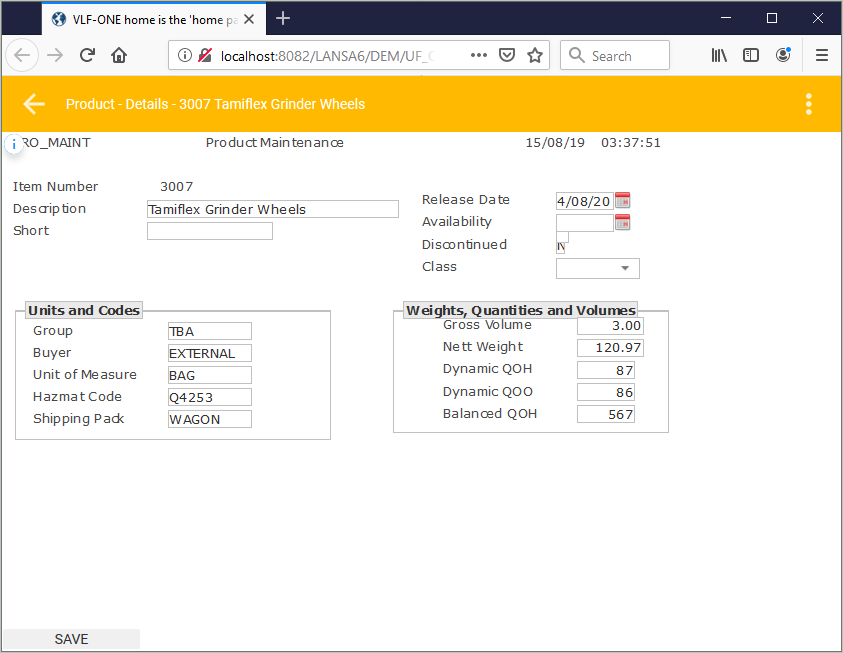
The product details screen looks like this:
Show Contents List