Page History
...
In this step you will hide the Employee Number field on the screen because the employee number is visible in the instance list and the instance bar in the Framework, and it cannot be changed on this screen.
When modernizing 5250 screens, you should always consider:
...
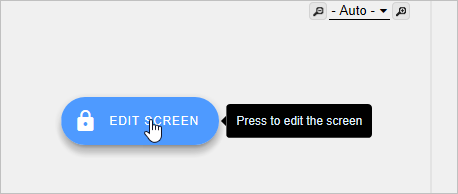
1. If you are not in screen edit mode, click on Edit Screen. 
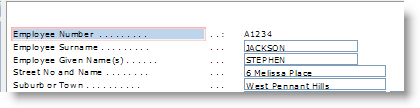
2. Select the Employee number label.
3. Set its Visible property to False.
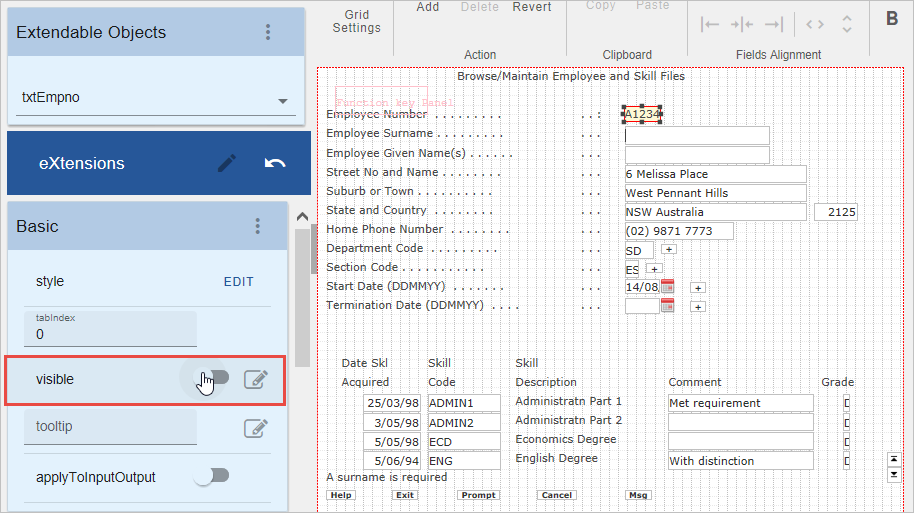
4. Then select the dots after the label that have become separated from the label with the font change and set the Visible property to False.
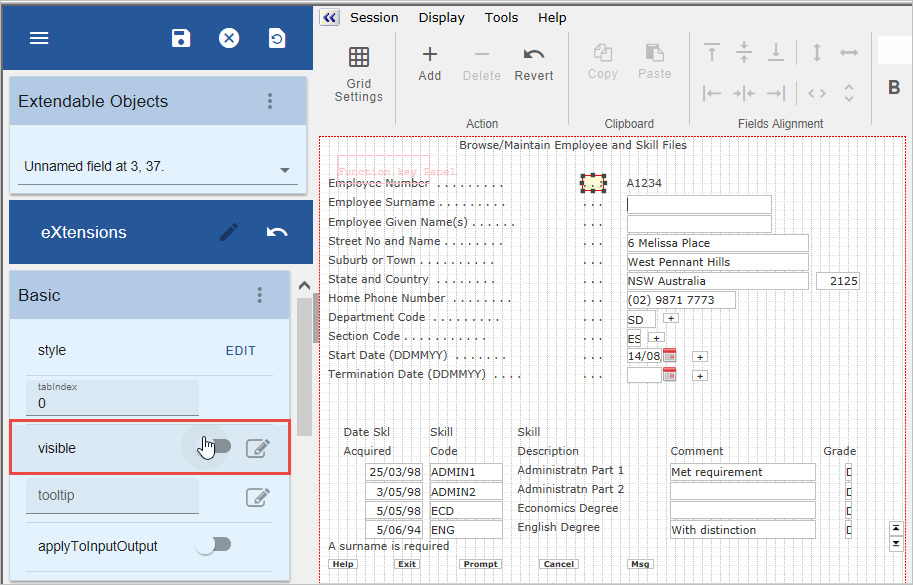
5. Lastly set the Visible property of the Employee Number caption to False.
6. Save the screen customization and exit edit mode.
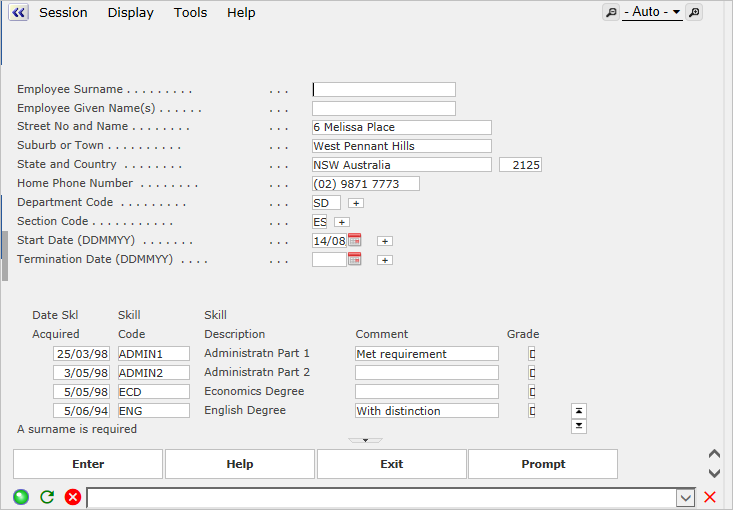
The employee number label and field are no longer visible on the screen.
Show Contents List