Page History
...
In this step you will add a hyperlink to the screen to open a PDF document that resides on the server.
1. Put the screen in edit mode by clicking Edit Screen in the aXes Designer.
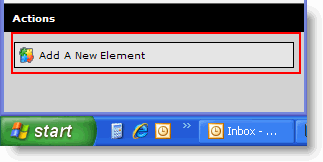
2. Add a new element to the screen. 
3. Make it Hyperlink extension.
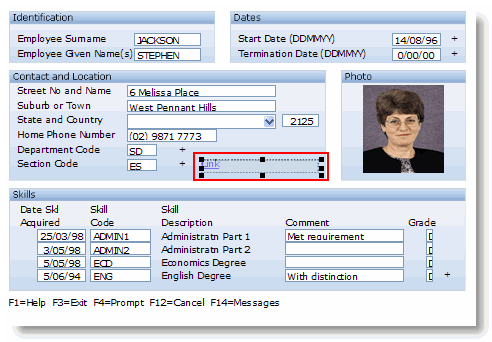
4. Size and position it like this:
5. Set its Caption to Employment Contract.
6. Change the onClick property to:
window.open('/ts/skins/images/examplecontract.pdf', '_blank');
7. Save the screen customization.
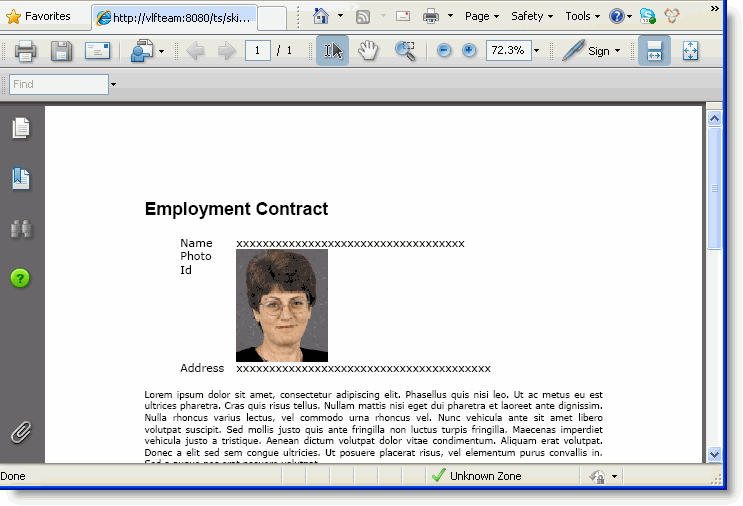
8. Click on the Employment Contract hyperlink on the screen.
A browser window containing the contract PDF on the server is shown:
Show Contents List