Page History
...
Start a
...
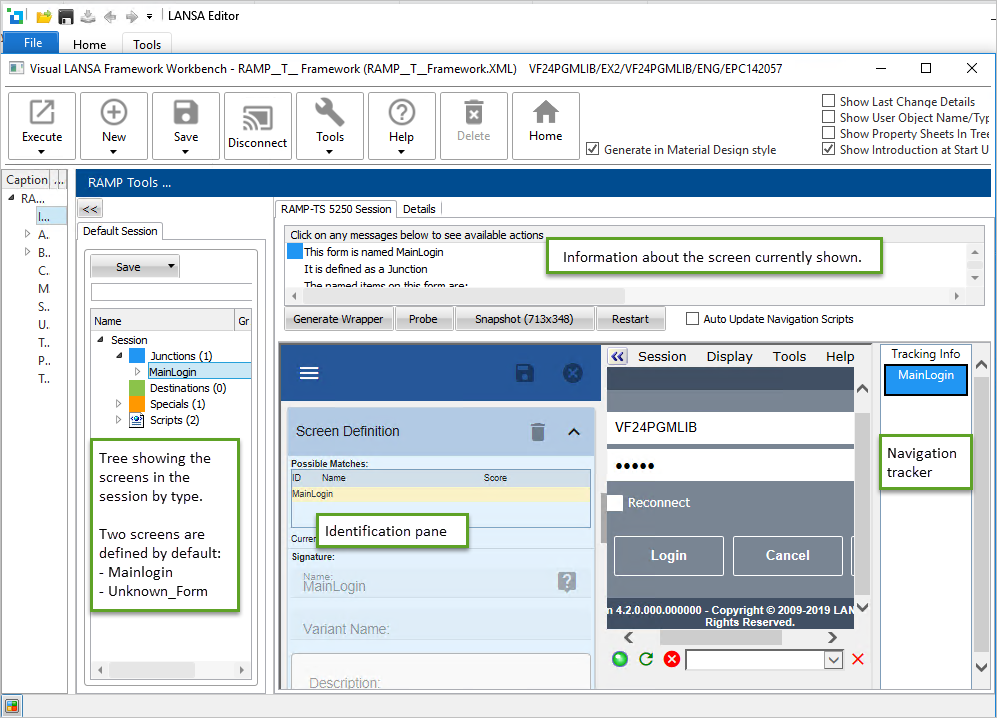
Start a session with the host as shown in this picture: 

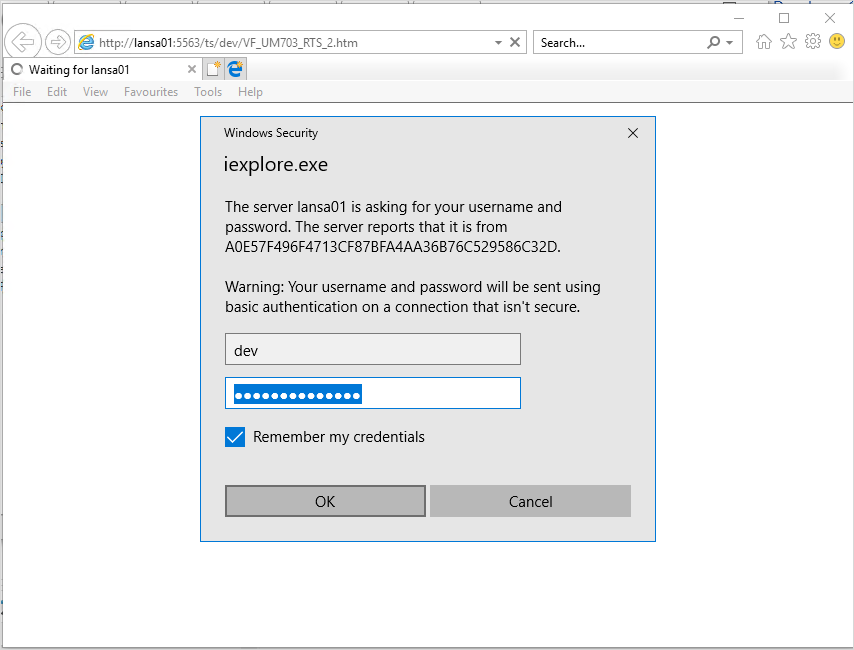
Use dev/dev in the authentication dialog and click OK:
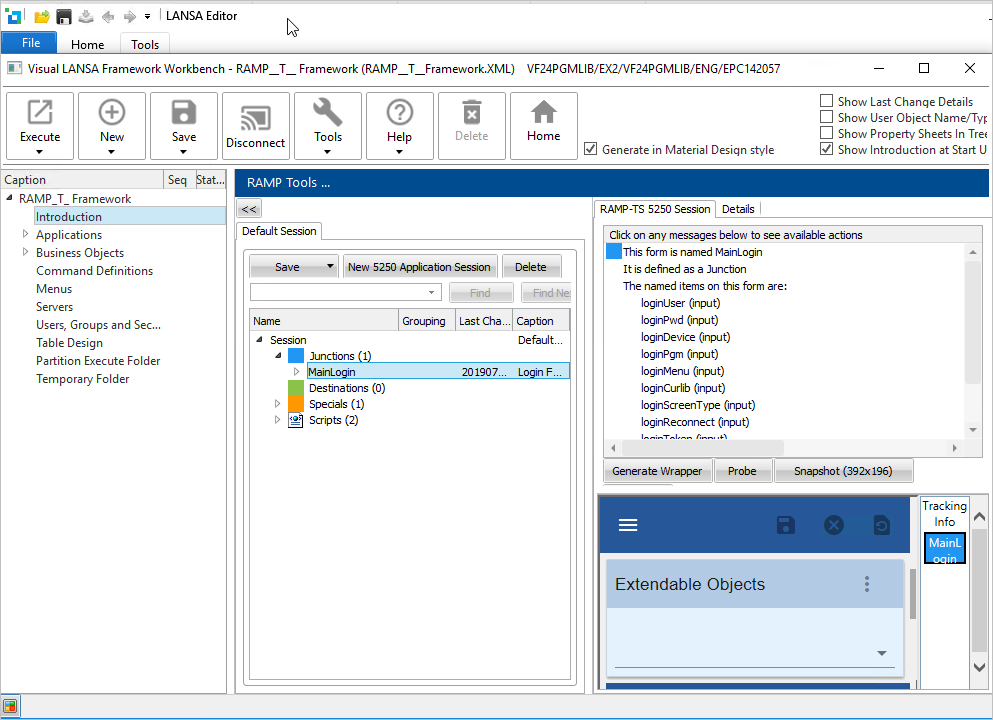
The RAMP screen should now look like this:
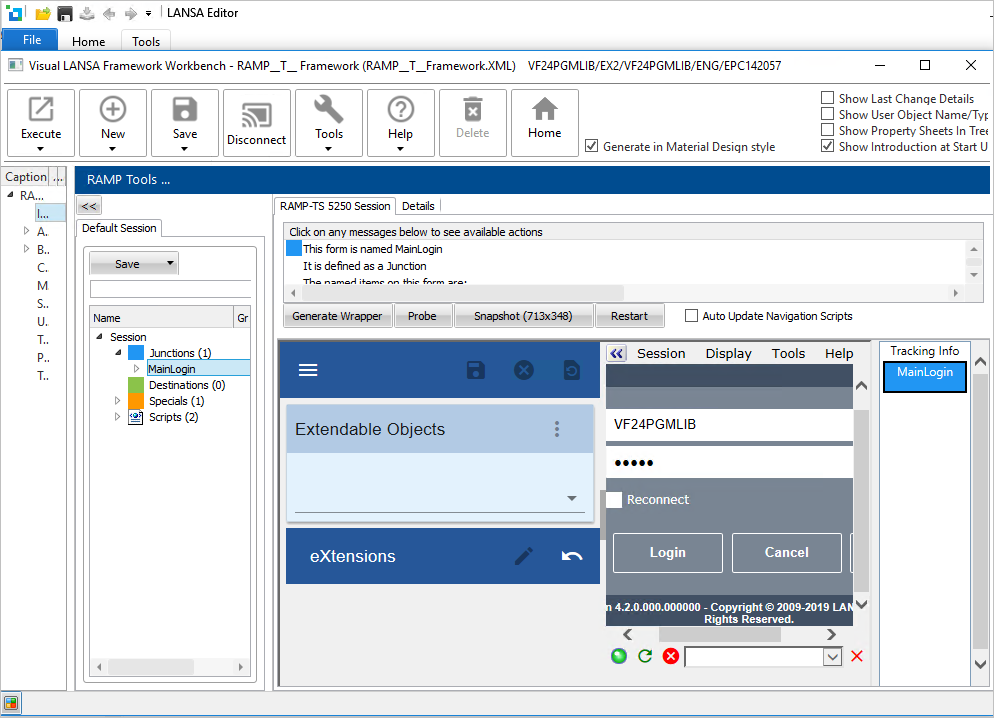
Reorganize the panels so that you can properly see the relevant ones:
Then display the screen definitions by selecting Screens in the menu:
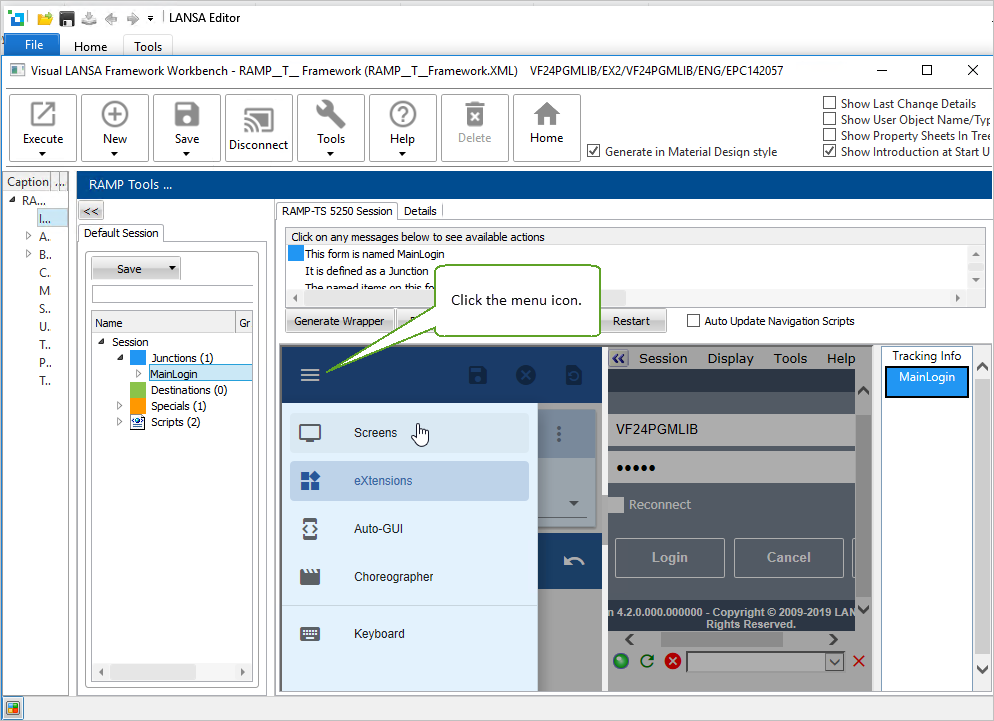
Now you are ready to start working in RAMP Tools: