Page History
[  |../../index.htm#lansa/lceeng01_0190.htm]
You are here:
...
- Make sure the results window has the focus or click your mouse on an area of it.
...
- From the toolbar select the File menu and choose the Save As from the list.
...
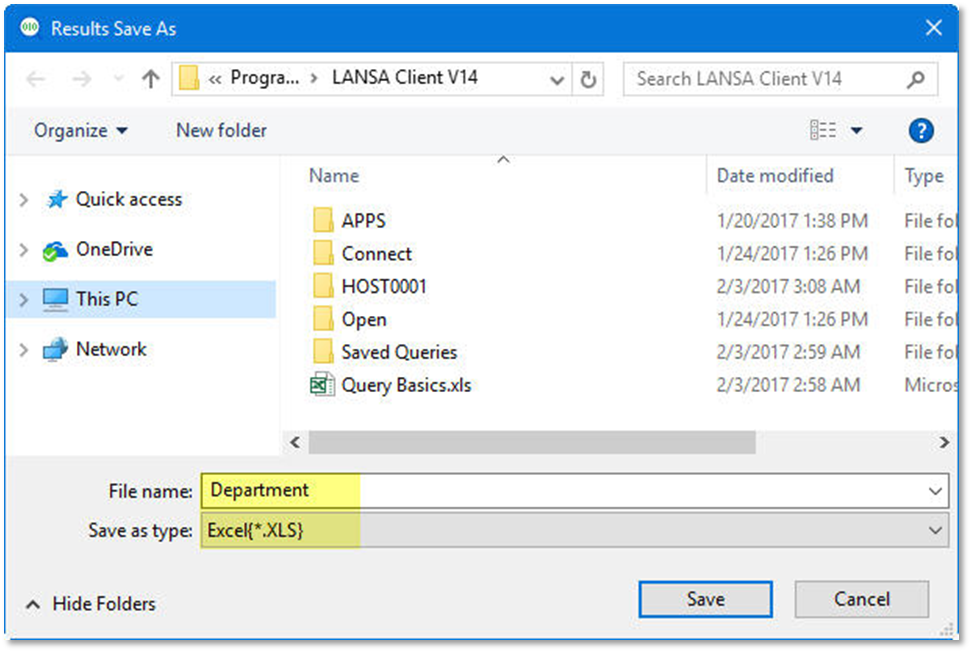
- From the Results Save As dialog box, give the File name: Department and choose Save as type: Excel{*.XLS}
...
...
- Press the Save button
...
- .
...