Page History
[  |../../index.htm#lansa/vuieng01_0030.htm]
You are here:
...
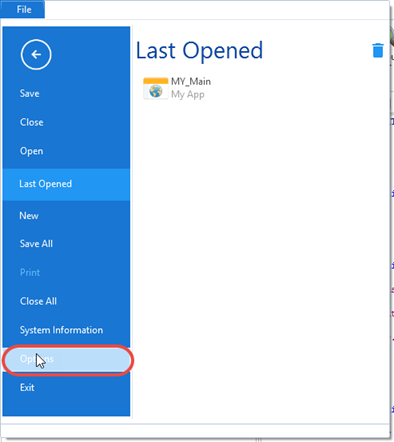
1. On the File menu, click on Options:
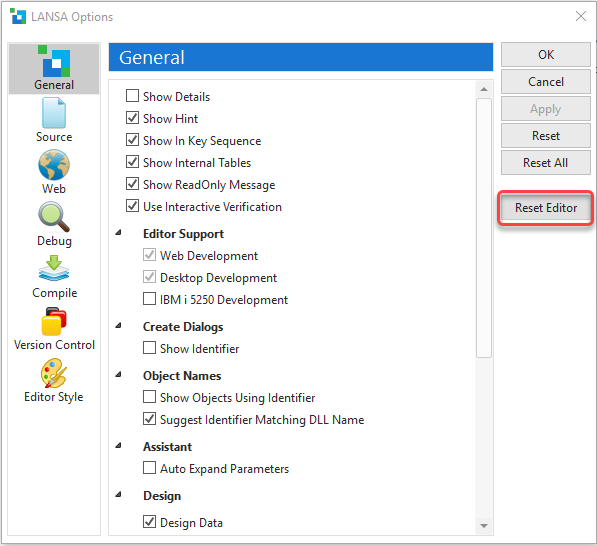
2. Click the Reset Editor button to reset the Editor to its default settings. Later exercises will illustrate how these settings can be set to your own preferences.
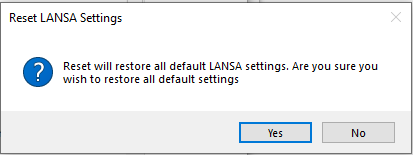
3. Click Yes in this message box, and after a few seconds, all default settings will be applied to the editor.
[ |../../index.htm#lansa/vuieng01_0030.htm]