Page History
[  |../../index.htm#lansa/reptut01_0200.htm]
You are here:
...
In this step, you will review an existing system variable.
1. In the Repository tab, expand the Resources group.
2. Expand System Variables.
3. Expand the M group (if the system variables are grouped alphabetically) to show all system variables starting with M.
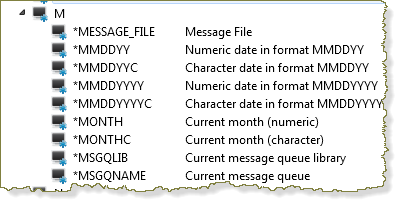
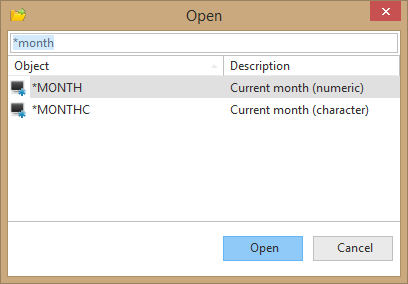
4. Locate and open the *MONTH system variable in the Editor. You may see a "Read Only" dialog as you open it depending on your installation type.
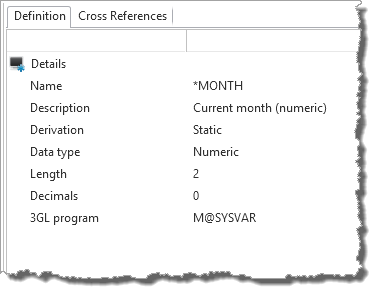
5. Review the system variable definition.
This system variable returns the current month. It uses the LANSA supplied program M@SYSVAR to set the value. Do NOT change the system variable definition.
6. Close the system variable.
[ |../../index.htm#lansa/reptut01_0200.htm]