Page History
...
If you have a digital certificate that is issued by a certification authority (such as VeriSign) you can sign your VLF.NET application to ensure their authenticity to end-users. To do this you need to specify the Certificate File (PFX) and optional Certificate File Password in the Developer Preferences tab. These are used when you save your Framework to digitally sign your VLF.NET application.

The certification authority supplied my certificate in two files: .PVK and .SPC (or .PVK and .CER). Can I use them?
...
Please note that the temporary digital certificate is generated for testing purposes only and VLF.NET applications signed with this temporary certificate should not be used in production environment.
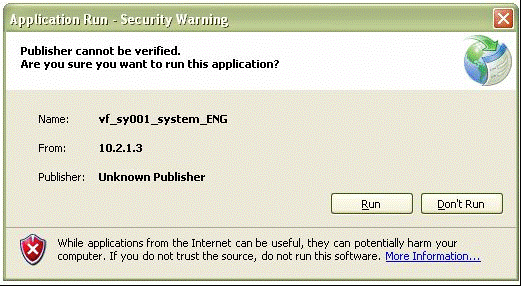
Is VLF.NET a Full Trust or Partial Trust .NET application?
...
If a valid certificate issued by a certification authority is used, the first time the application is run by a user a dialog box will appear, warning the user that the application requires access to the computer that is potentially unsafe.
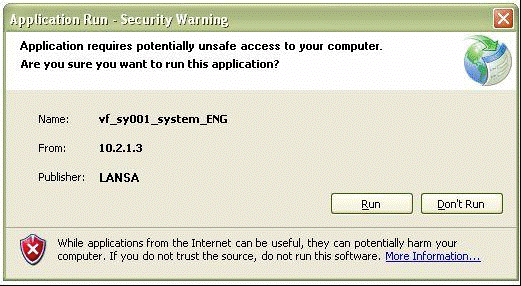
I’m using a valid certificate issued by a certification authority. Is there a way to prevent the user from being prompted with the potentially unsafe access security warning dialog box?
...