Page History
...
Below is an example of a report generated from your template: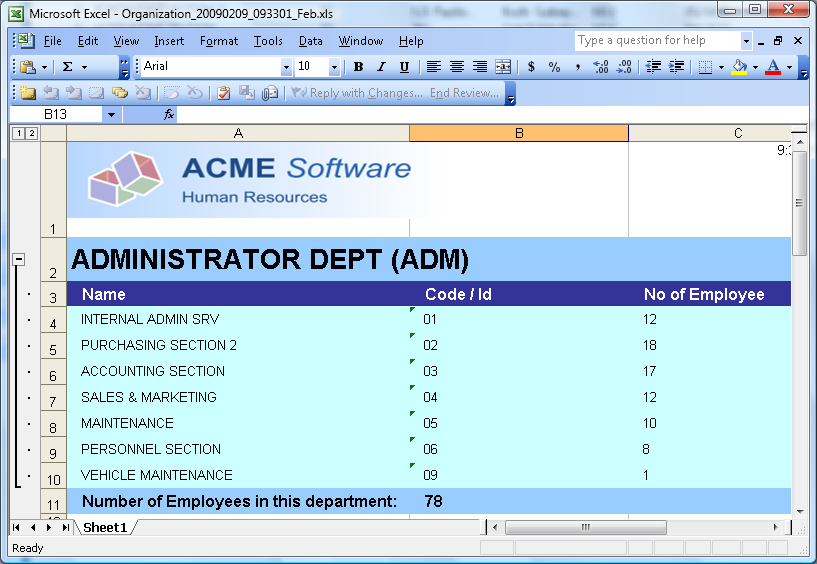
Now let’s go through the steps of inserting a running total figure into the report template.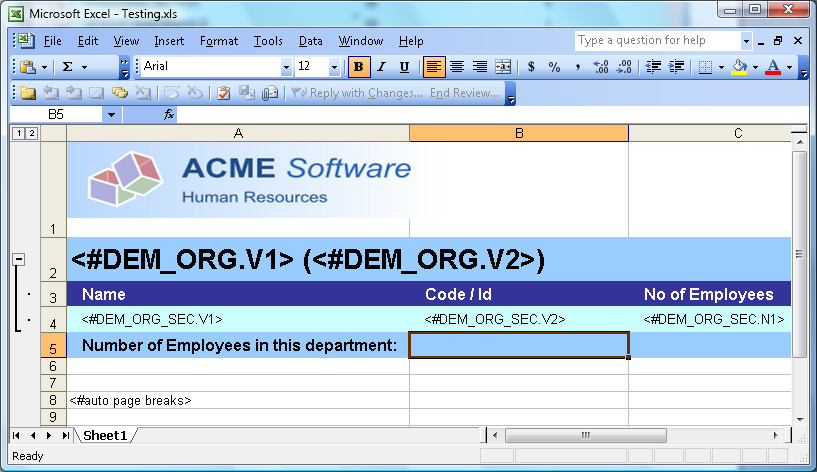
You would use the SUM function to get the total of the figures that would be inserted into column C in the generated report. It would then be logical to put SUM(C4:C4) formula in cell B5. That however will not work because in the final report the range will always cover the first row only. In order to get the range expanded properly, you will need to add an extra empty row after your section band (row 4), and change your formula to SUM(C4:C5).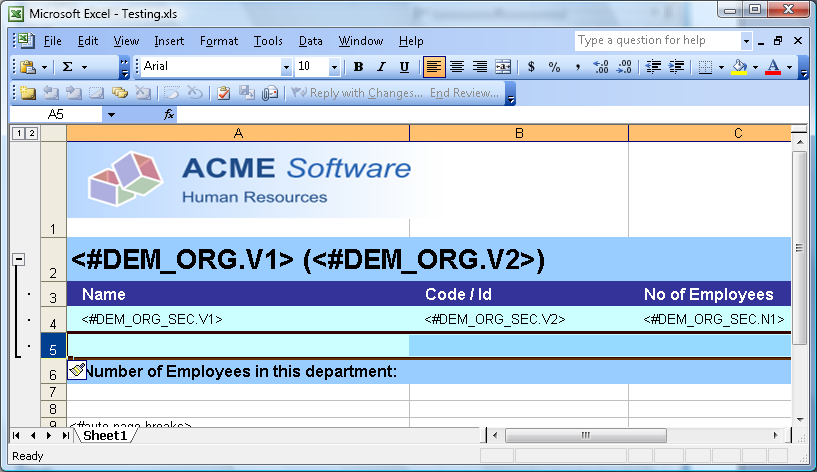
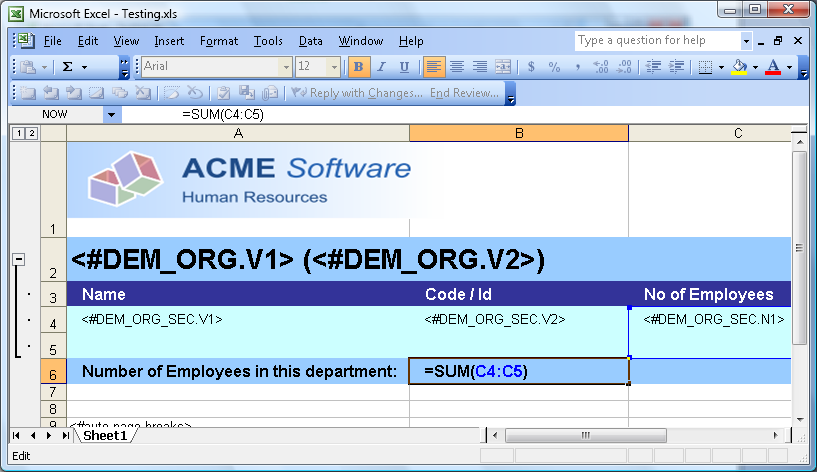
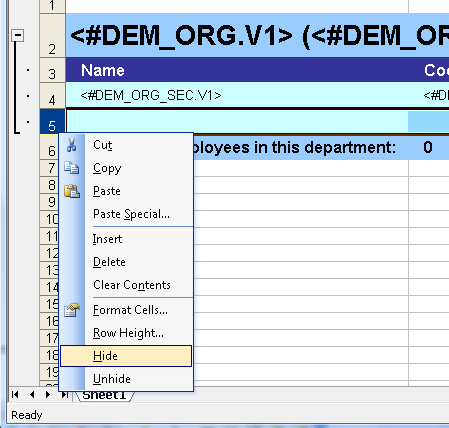
Hide the extra row to complete the process (right-click on the row header, and select Hide).