Page History
[  |../../index.htm#lansa/wbfeng01_0425.htm]
You are here:
...
In this step, you will create a new 2 digit, numeric field with a static picklist for 12 calendar months. A search of employees by month of and date of birth will use this field.
1. Create New / Field:
Name | iiiSearchMonth |
|---|---|
Description | Search Month |
Type | Signed |
Length | 2 |
Default Value | 1 |
|
Open the field in the editor.
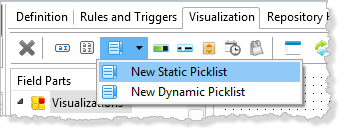
2. Select the Visualizations tab, and add a Static Picklist:
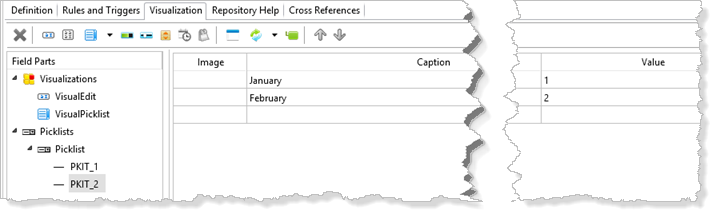
3. Select the Picklist component and define 12 months and values:
4. Select the VisualPicklist component. On the Details tab:
a. Change its DefaultVisual property to True.
b. Change its MarginLeft to 0, to hide the label.
c. Change Height to 25.
d. Change Width to 150.
e. Change FixedHeight to False.
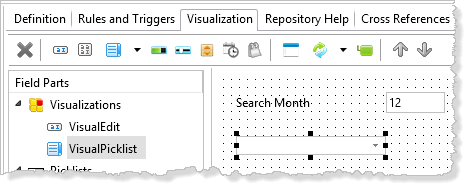
Your Visualization should look like the following:
5. Save the new field definition.
[ |../../index.htm#lansa/wbfeng01_0425.htm]