Page History
You can save your work in the Processing sequence editor at any time by clicking the Save button on the toolbar or type Ctrl+S or select Save or Save As from the File menu.
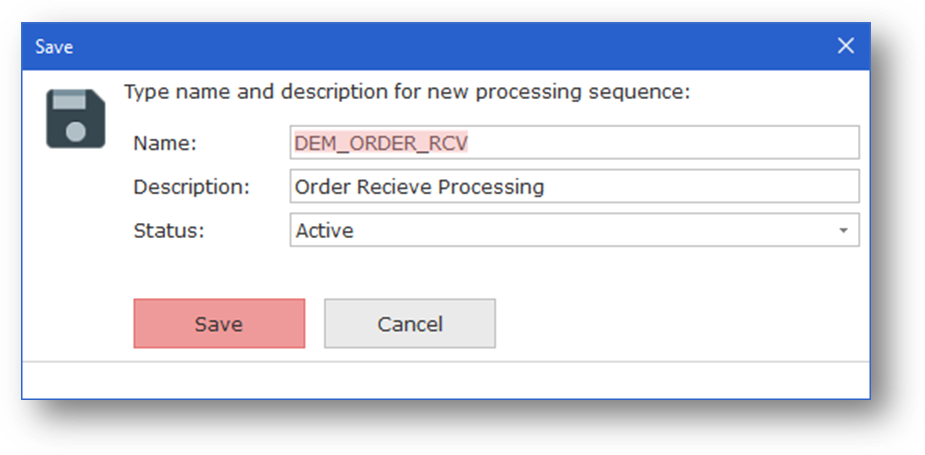
If you are creating a new Processing Sequence (or if you chose the Save As command), the Save window will be shown so that you can give the Processing Sequence a name and a description.