Page History
...
For an example see shipped Examples -> Advanced -> Children:
...
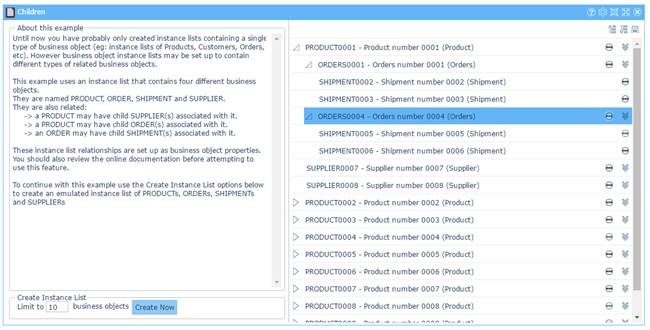
Note that tree visualization in VLF-ONE is different to VLF-WIN.
...
To make parent-child relationships work:
1. | A business object has to be defined for the parent and each child | For example, in the shipped VLF-ONE Children example the parent is PARENT_PRODUCT and the children are CHILD_ORDER and CHILD_SUPPLIER. |
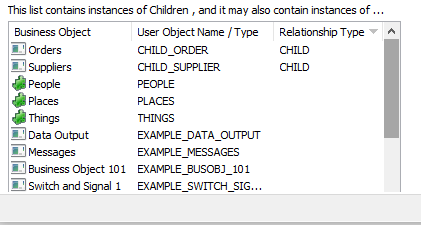
2. | A relationship has to be defined between the parent and the children on the Instance Lists tab of the parent | For example, the shipped demo's PARENT_PRODUCT has these relationships defined: |

| ||
3. | When adding items to the instance list you need to specify their user object names and parent items. | When adding items to the instance list you need to specify:
|