Page History
[  |../../index.htm#lansa/l4wvlf08_0025.htm]
...
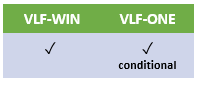
Note Condition: The import feature is part of VLF-WIN. The imported data is useable by VLF-WIN and VLF-ONE.
Read the comments in the shipped example component UF_IMPUS. (It's a Visual LANSA reusable part.)
Now create your own version of component UF_IMPUS, so that:
a. It It reads from your own source of user data.
b. Writes Writes it out in the standard XML format.
c. Returns Returns an OK return code and the full name of the XML file produced.
Now sign on to the Framework as Designer.
1. Select Select Framework, then Properties and then User Administration Settings. 2 Change
2. Change the setting: Import Users Imbedded Interface Point to the name of your function.
3. Save Save the Framework and Exit.
4. Sign Sign on as the Administrator or Designer
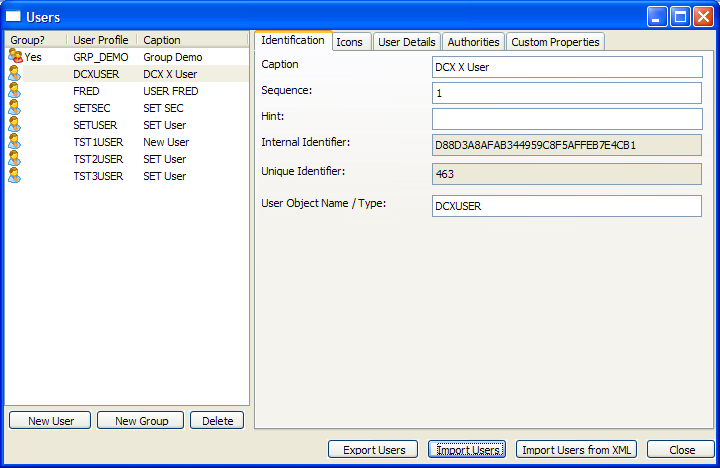
5. Select Select Administration then Users.
You will now see a new button available called Import Users.
When the Administrator presses this button, the Framework will run your function, and will then import the user data from the XML file it produces. This will create or update users in the Framework.
[ |../../index.htm#lansa/l4wvlf08_0025.htm]