Page History
...
In this example the option has been selected. When you click on the Employees node in the tree, the list of associated employees appear under it like this:
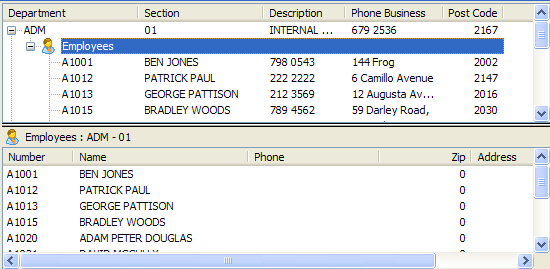
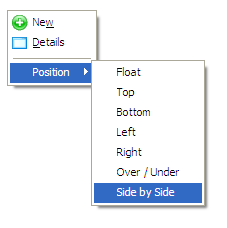
By default in side-by-side display the separate instance list actually appears underneath. To make it side by side, use the right mouse menu and then select Position and then Side by Side:
This is the type of display layout you will see:
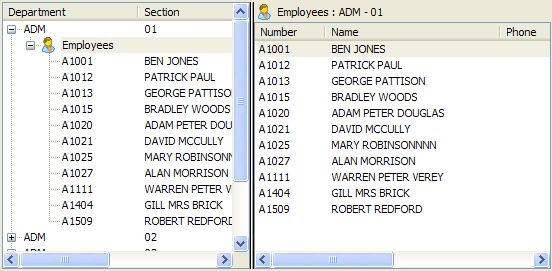
The advantage of this type of display is that different children can have quite different sets of additional columns to their parent, or to each other.
...
This property is in the Business Object Relationships tab.