Page History
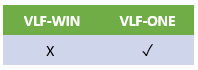
Select this option if you want to add image columns to your instance list.
This option adds some image fields to the list of fields that you can add to the instance list. Drag one or more image fields over to the instance list.
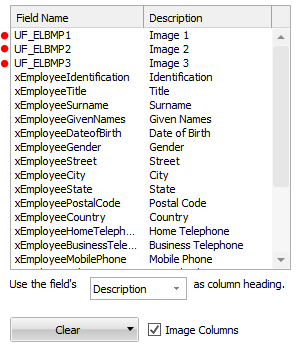
Then, in your filter, add the images like this:
First define a PRIM_BMP object:
Define_Com Class(#prim_BMP) Name(#uImageEmployee) Reference(*DYNAMIC)
...
#uImageEmployee <= #SYS_APPLN.CreateBitmap( VLFONE/Images/other/cross.png )
OR
#uImageEmployee <= #SYS_APPLN.CreateBitmap( #xEmployeeImageThumbnail )
Then add the image to the instance list
#AVLISTMANAGER.AddtoList Visualid1(#xEmployeeIdentification) Visualid2(#xEmployeeTitle) ... Icolumn1(#uImageEmployee)
By adding image columns you can make your instance list look like this:
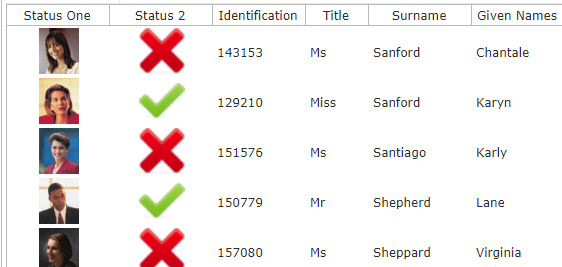
To add image columns, check the Image Columns checkbox when editing the instance list, and drag one of the image fields over to the instance list.