Page History
[  |../../index.htm#lansa/vlfonetutorials_0175.htm]
Visual LANSA フレームワーク ガイド > チュートリアル > VLF-ONE Web アプリケーションのチュートリアル > 自動 SCRUD ビジネス・オブジェクトの作成 > ビジネス・オブジェクトの実行
...
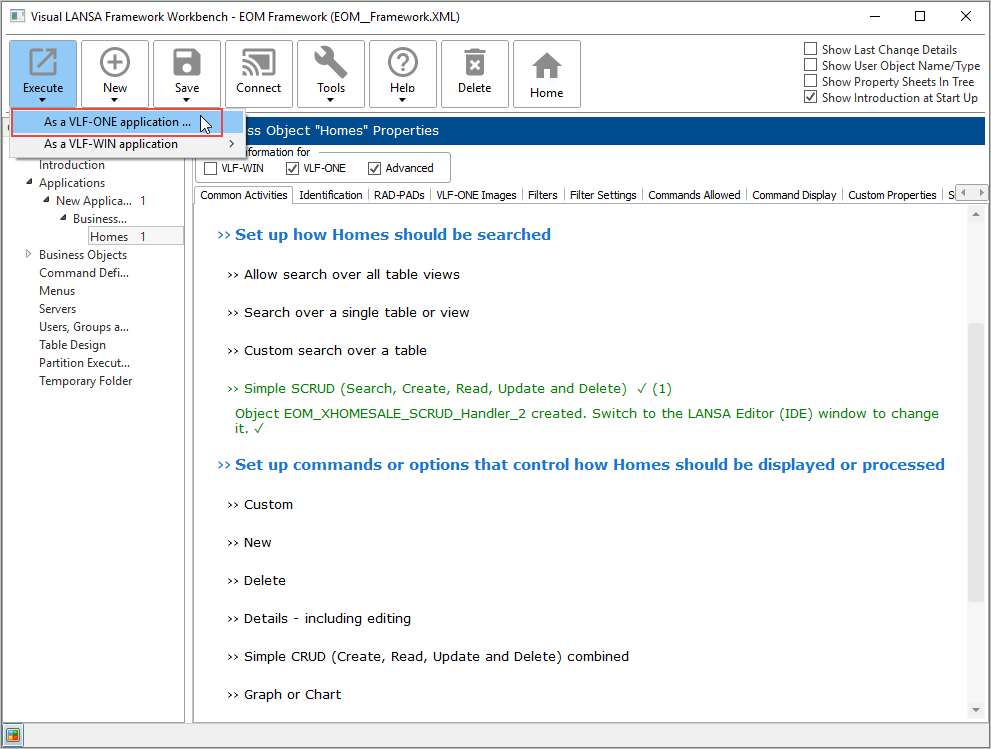
SCRUD オプションで作成されたパーツを見るには、自分のフレームワークを実行します。
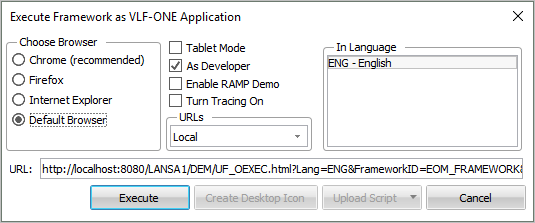
デフォルトの実行パラメータをそのまま承諾します。
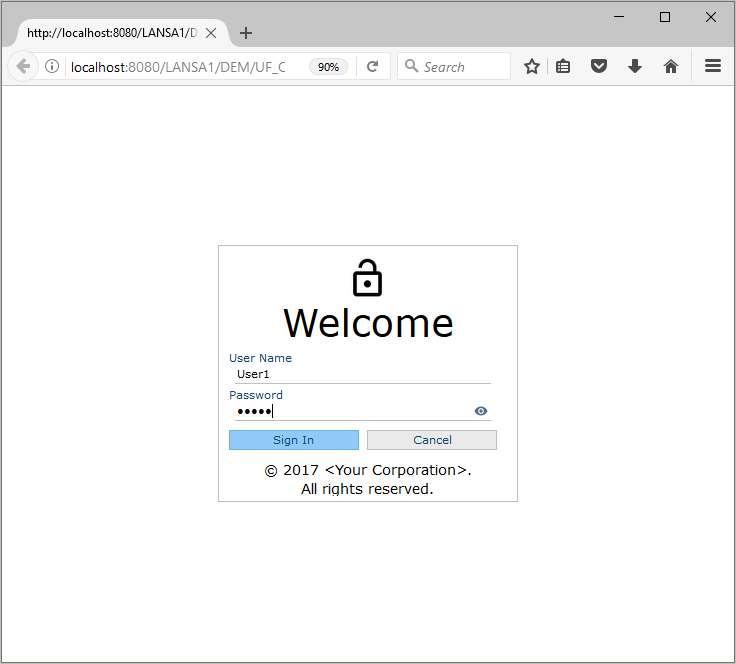
ユーザー ID とパスワードを使ってフレームワークにサインインします。
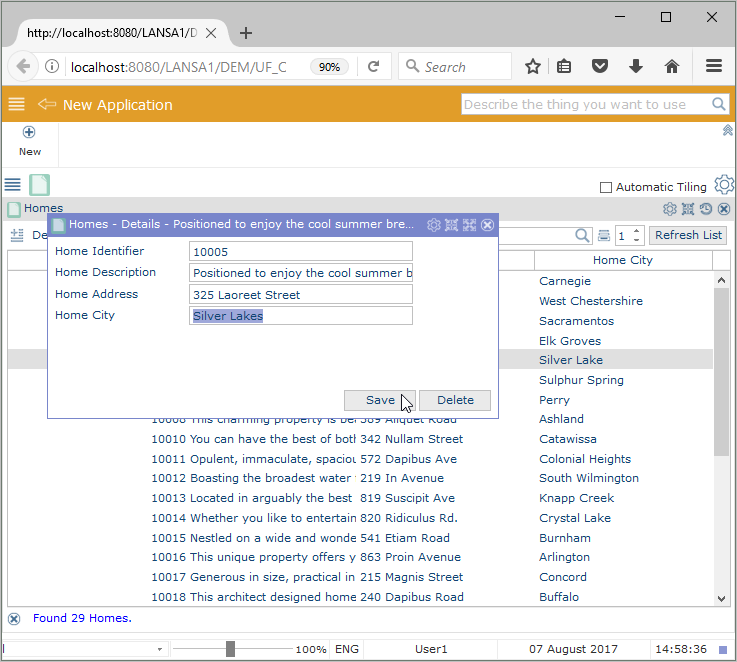
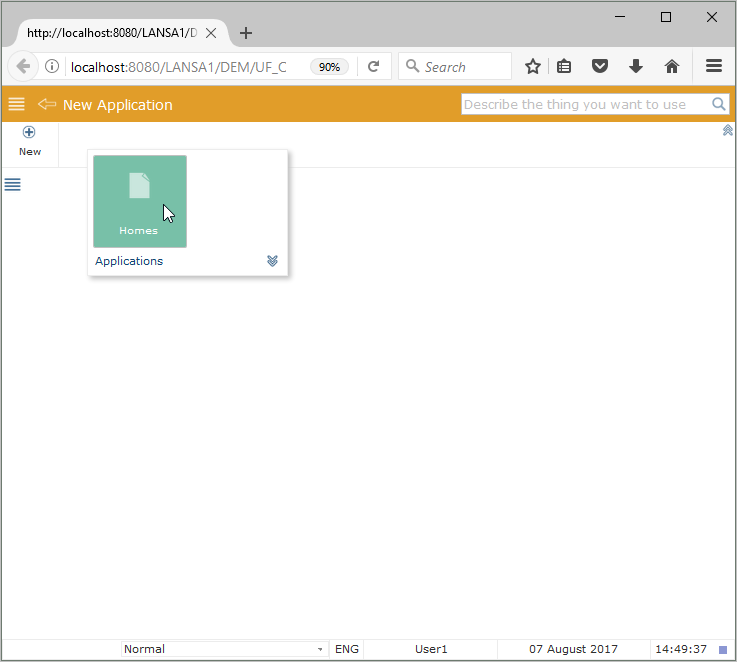
Homes ビジネス・オブジェクトを選択します。
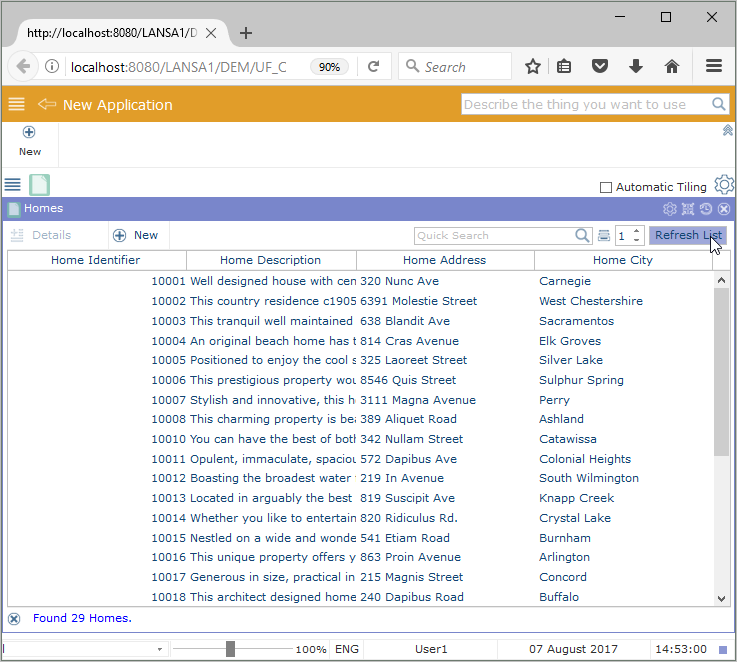
ビジネス・オブジェクトのインスタンスリストは、(xHomesForSale テーブルから) 売出し中の物件を表示します。
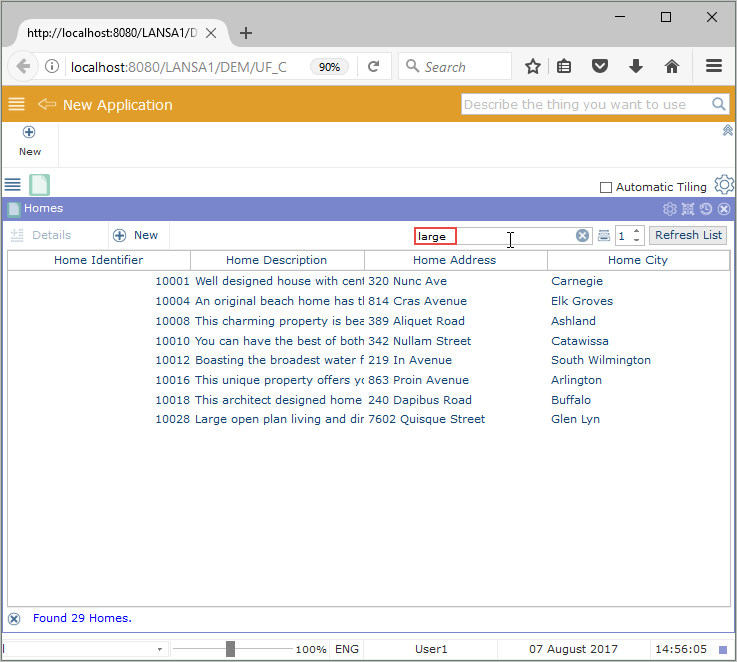
表示されるエントリーを絞り込むために、インスタンスリストを検索することもできます。
どれか 1 つの行をクリックしてコマンド・ハンドラーを表示させると、エントリーの詳細の保守が可能です。
[ |../../index.htm#lansa/vlfonetutorials_0175.htm]