Page History
[  |../../index.htm#lansa/l4wusr1_0155.htm]
現在地:
...
テーブル レイアウト - オブジェクトの配置
Wiki Markup

|
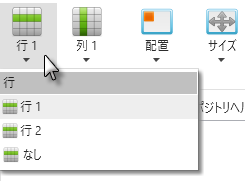
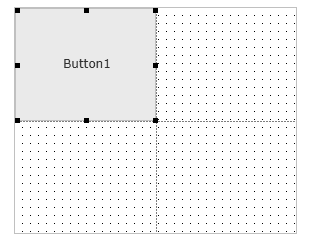
| オブジェクトが配置される行を変更できます。 以下の例では、Button1 は、2 行レイアウトの "行 1" |
に配置されます。 |
|
|
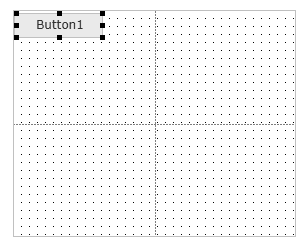
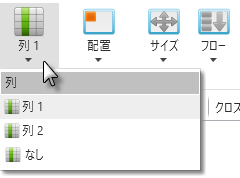
| オブジェクトが配置される列を変更できます。 以下の例では、Button1 は、2 列レイアウトの "列 1" |
に配置されます。 |
|
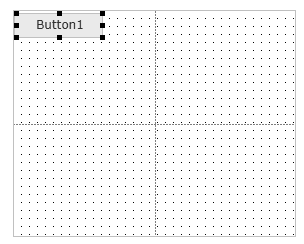
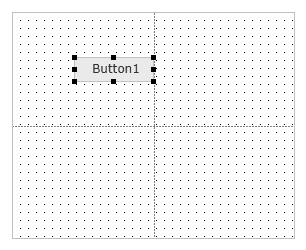
| 存在する行/列内における、オブジェクトの配置位置を設定できます。 以下の例では、ボタンは "中央右" |
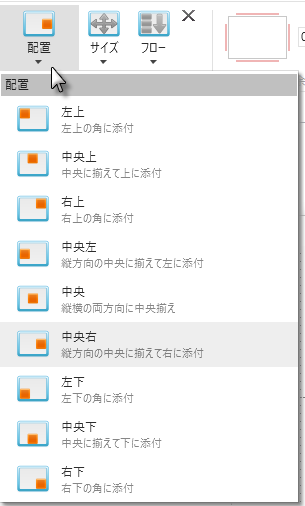
に配置されます。 |
|
| 存在する行/列内における、オブジェクトの幅や高さを設定できます。 |
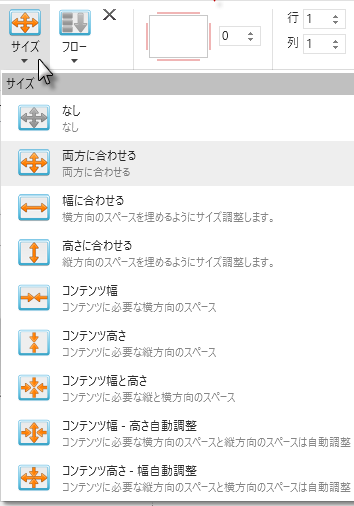
以下の例では、ボタンはセルの高さと幅に合わせられます。 |
<ac:structured-macro ac:name="unmigrated-wiki-markup" ac:schema-version="1" ac:macro-id="fe228a9d-9bf3-4db1-8556-3298be61233e"><ac:plain-text-body><![CDATA[
| |
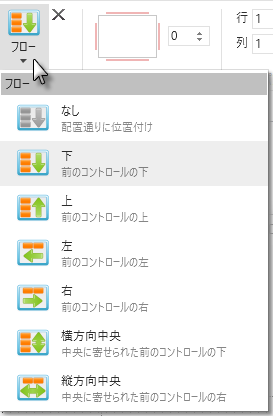
| [フロー] を使って、オブジェクトを配置する方向を設定できます。 |
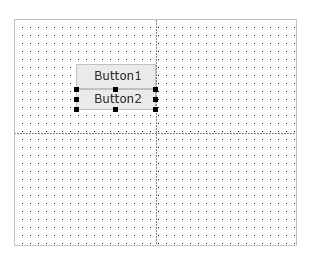
以下の例では、ボタンは中央右に配置され、そのフローは下方向になります
以下の例では、ボタンは中央右に配置され、そのフローは下方向になります |
|
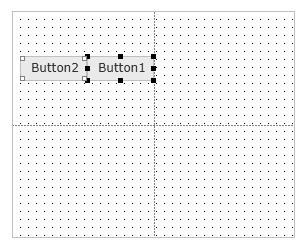
| レイアウト内のオブジェクトのマージン (余白) を設定できます。 以下の例では、ボタンの上と下のマージンが 2 |
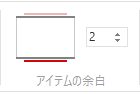
に設定されています。 |
|
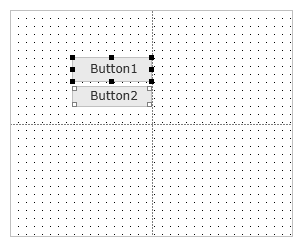
| オブジェクトが複数の行や列に渡るように、そのスパン (範囲) を設定することができます。 |

以下の例では、Button1 はレイアウトの 2 列両方に渡っています ([サイズ] は [幅に合わせる] に設定)。 |
height=32,width=32!
]]></ac:plain-text-body></ac:structured-macro>
...
|