Page History
WAM020 - WAM Navigation
In this step, you will test the WebRoutine, to understanding how it works. 1. NavMain
- NavMain should still be open in the Design view, if not, open it.
...
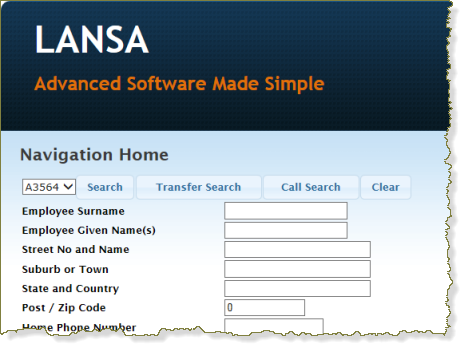
- Click the Execute button on the toolbar to run the WebRoutine in the browser.
...
- Test the buttons.
...
- You will notice that all three searches function identically. The only way to differentiate them is the messages they generate.
...
- Also notice the message This message will not be displayed, is not displayed. At the time of a TRANSFER, control is passed to another WebRoutine and the current WebRoutine is terminated.
...
- With a CALL, the current WebRoutine will still be executing and waiting for control to be returned from the WebRoutine it had called.