Page History
...
- Open WAM iiiEmpEnquiry in the editor. Open the begin WebRoutine in the Design view.
...
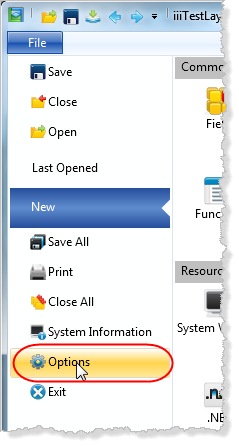
- Use the Editor Options from the File menu.
...
Select the WAM icon: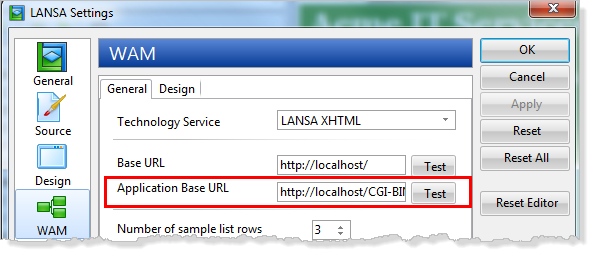
...
- Change the Application Base URL setting to point to the
...
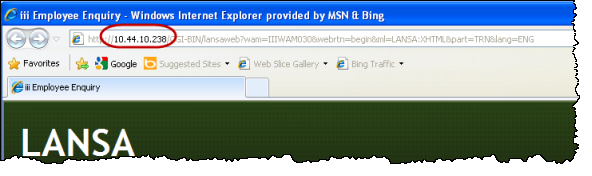
- IBM i server. This could be specified as a domain name or an IP Address.
...
- Your trainer will provide a suitable value for the workshop IBM i.
...
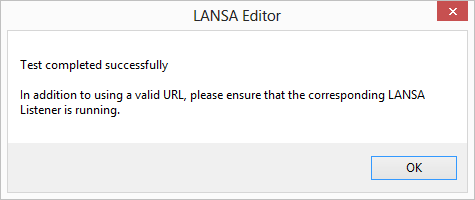
- Test the definition by clicking the Test button:
...
- Close the settings dialog by clicking the OK button.
...
- With the WAM iiiEmpEnquiry open in the editor, open the begin WebRoutine in the Design view and Run in the browser. Your WAM will be run on the IBM i.