Page History
ブール値
フォーマット/ターゲットがXHTMLの場合のみ適用可能です。trueの場合、カスケード・スタイル・シート(CSS)のクラスはXHTMLテーブルの各列に割り当てられています。falseの場合、カスケード・スタイル・シートのクラスは行レベルのみに当てられます。
デフォルト値
false()
CSSスタイルを行レベルで適用します。
有効値
true()、false() 、もしくは、ブール値を返すXSLT式
| Info |
|---|
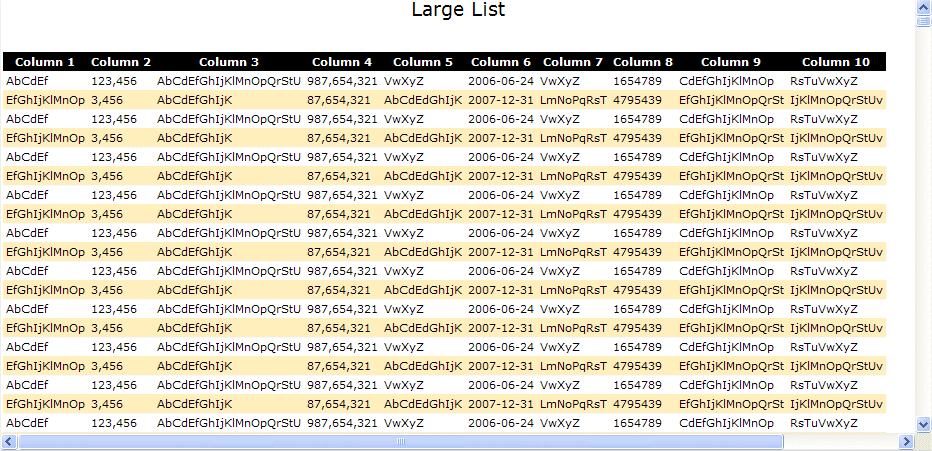
大型リストのCSSスタイル: 事前にフォーマットされたXHTMLテーブルには、"std_largelist"クラスがあります。このクラスもしくはそのサブ・エレメントに対してCSSスタイルを作成することで、大型リストの外観をカスタマイズできます。 ターゲットがiframeの時、iframeは親のウィンドウ(メインのWebroutine)からスタイルを受け継ぎます。 例えば、Webroutineでスタイルを次のように上書きすると、 |
Boolean value. Only applicable if the format/target is XHTML. If true, a cascading style sheet (CSS) class is assigned to each column in the XHTML table. If false, a cascading stylesheet class is assigned only at the row level.
Default value
false(). Apply CSS style at the row level.
Valid values
true(), false() or an XSLT expression that returns a booolean result.
| Info |
|---|
CSS styles for Large Lists
リストは次のようになります。
|