Page History
If a graphic has been reduced so much that it's unclear, there is help - but it depends on the browser you use. If you want to see a graphic clearer, follow these steps.
If you are using:
Google's Chrome browser
Right click on the graphic, select Open image in a new tab, and then click on the new tab. In most cases, the graphic will be much larger and relatively easy to see.
Firefox browser
Right click on the graphic and select Display image. The image will be expanded and displayed over the top of the page you are currently looking at. Use the back arrow to return to your page.
If you wish to have the graphic displayed in a separate tab, right click on the graphic, select This Frame then Open Frame in New Tab. In the new tab, right click on the graphic and select View image.
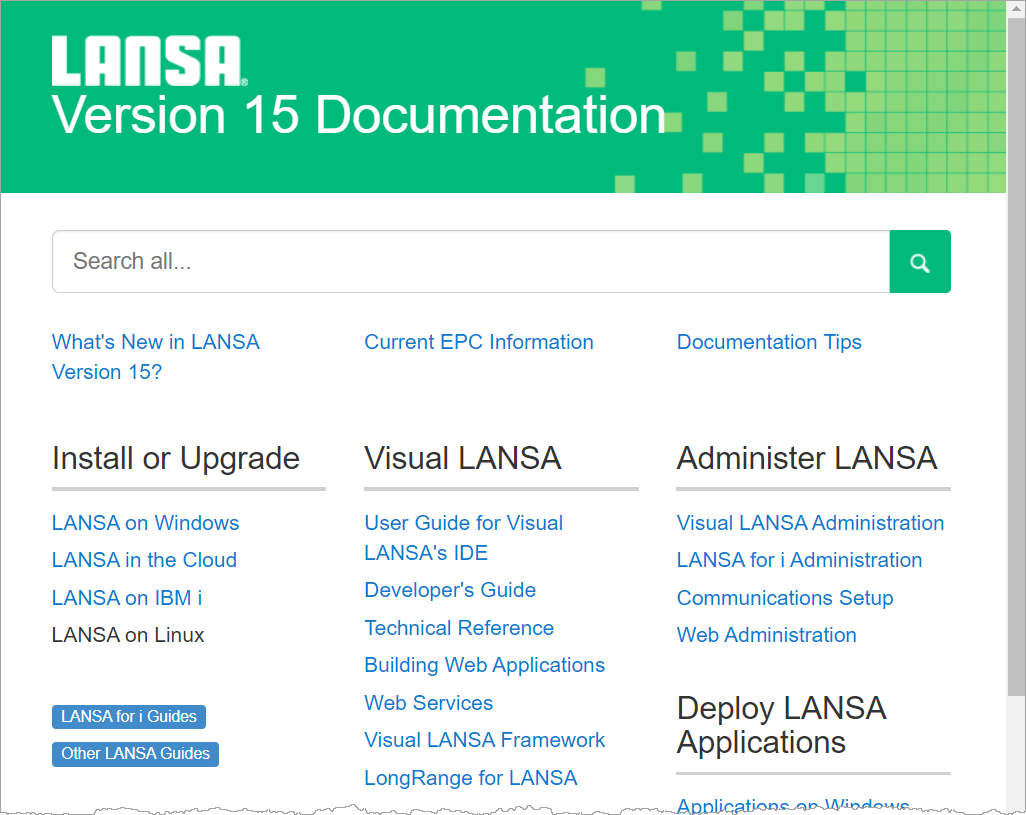
Try it out with this graphic:
click on the desired image and it will fully display.
To go back to the documentation page, click the X at the top right of the page.
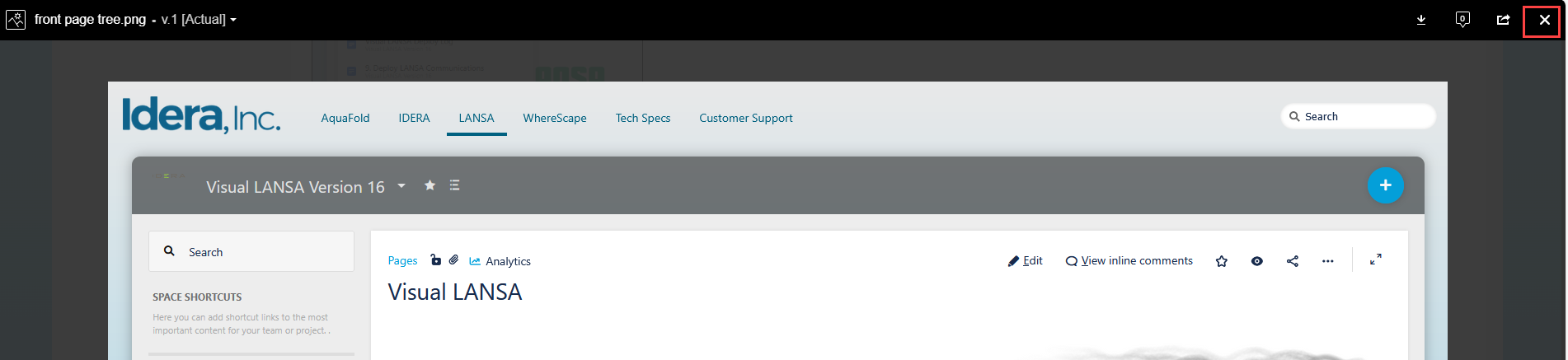
Another way of enlarging an image is to right-click on the graphic and select Open Image in New Tab.