Page History
When removing instances, SQL Safe removes the SQL Server agent job or SQL Safe policy configuration files associated with the policy.
If SQL Safe cannot communicate with the instance, you must remove these artifacts manually. You will receive a Cleanup Required message.
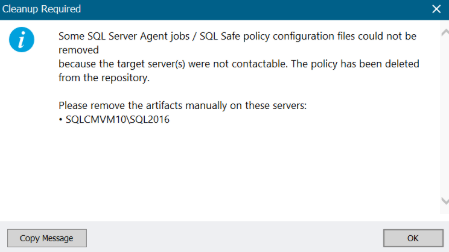
Follow the instructions to complete the manual cleanup.
Remove the SQL Server Agent job
If the policy was created using SQL Server Agent, then the job can be removed manually from the SQL Server Agent jobs list.
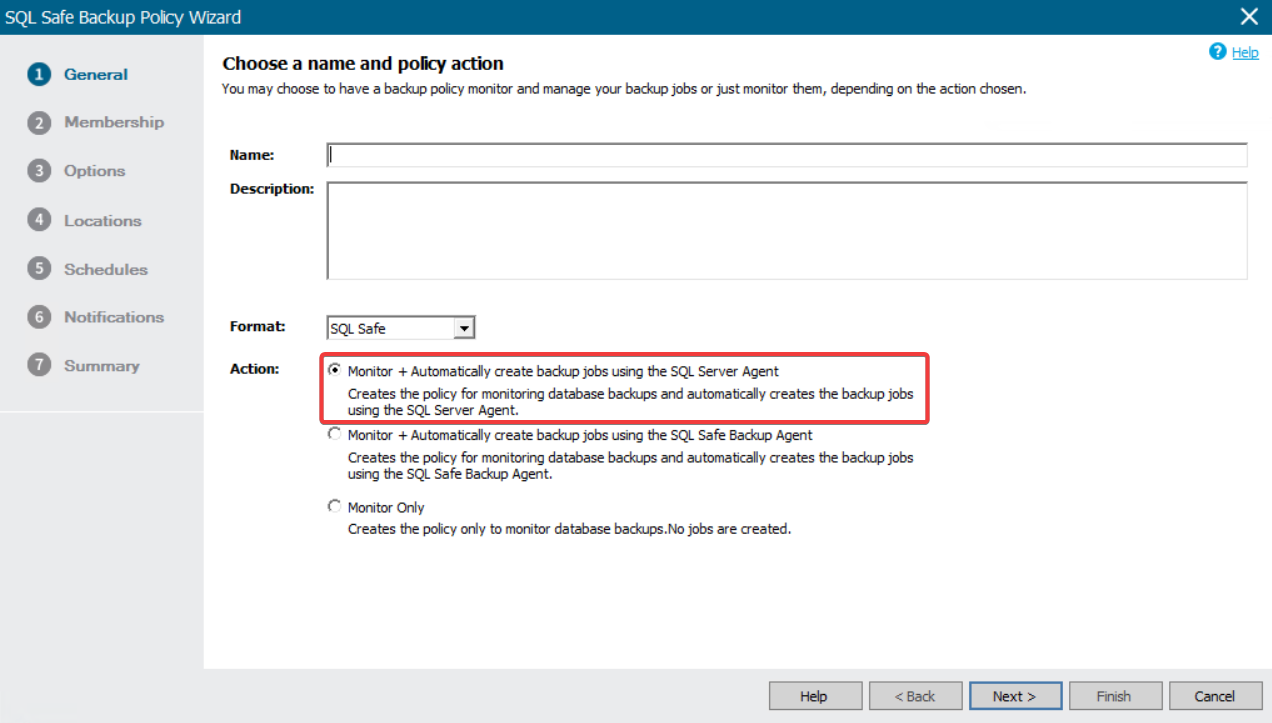
- Go to SSMS and connect to the instance.
- Click on the SQL Server Agent, and expand the Jobs list.
- Locate the job or jobs related to the policy you need to remove and delete them.
Remove the SQL Safe Policy configuration file
If the policy was created using the SQL Safe Backup Agent, then the job can be removed manually from the SQL Safe policy configuration folder.
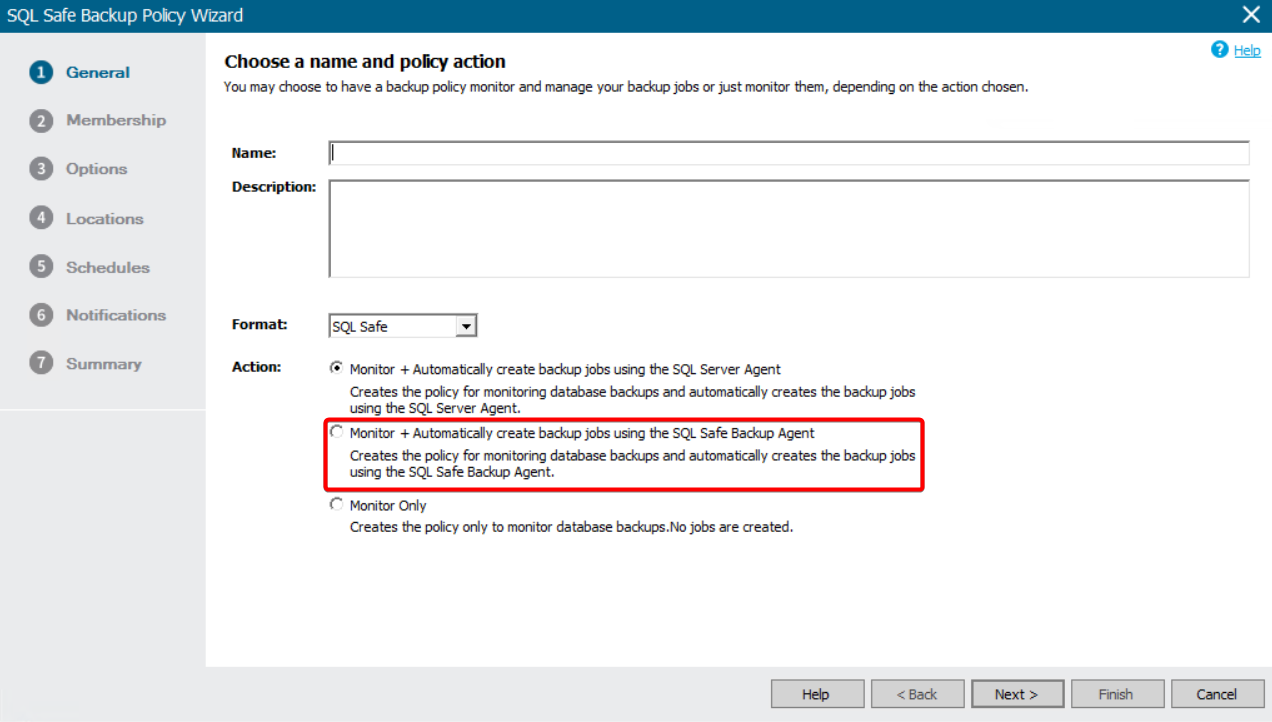
- Connect remotely to the server hosting the SQL Server instance.
- Navigate to the SQL Safe Policy data directory. Usually, it is located at C:\Program Files\Idera\SQLSafe\PolicyData, but it may be in a different location in your environment.
- Identify and delete the XML file related to the policy to be removed.