Page History
A Windows User is required that can be used to log on to the LANSA Development environment and can be used for Web development.
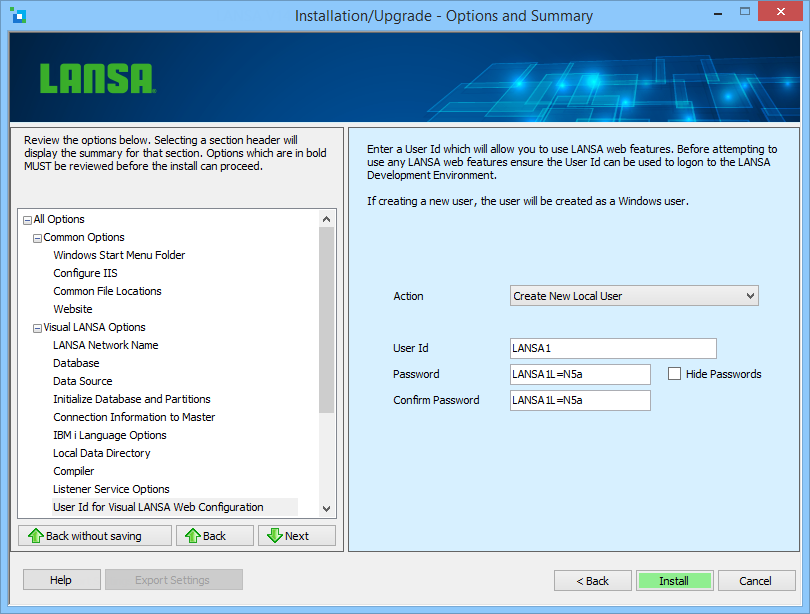
The User can be setup set up elsewhere or through this dialog.
Action
From the dropdown list, select whether to Use an existing User, Create a New Local User or Not to Configure any User.
If you select Create New Local User, the User will be created as a local user. If using an existing User, the user details will be verified to ensure they are correct. An existing User may be a local or a domain User.
User Id
Enter the User Id to be used when for web development. You may enter an existing or new User Id. The User will be automatically added to the LANSA Users Group.
Password
Enter the password for the User Id.
Confirm Password
If creating a new user, re-enter the Password to confirm the new Password. You do not have to confirm the password if you are entering an existing user.