Page History
Show Changes
Show Changes launches the Visual LANSA YAML comparison tool which shows the changes made to an object since the last commit or changes made between two commits.
...
Alternatively, click an object and select Version Control -> Show History, and select two commits. Right-click one of the selected commits and select Show Changes. This shows the differences between the two commits:
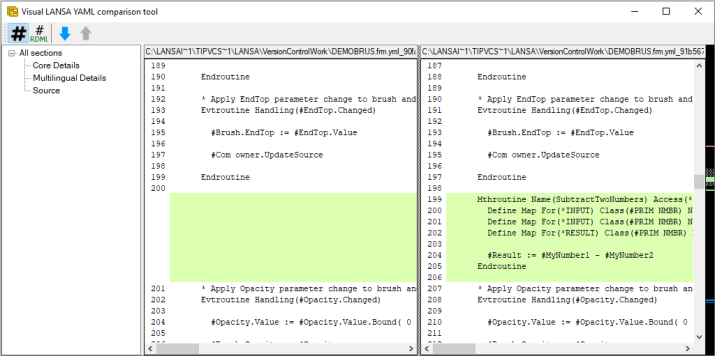
You can use the toolbar actions in the compare to:
| Toggle line numbers. These line numbers are for the entire file. |
| Toggle RDML source line numbers. These are line numbers for the RDML source. They match the line numbers when viewing the source code in the Visual LANSA editor. |
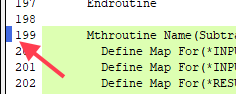
| Show the next/previous change. The next change from the current line is shown and centred centered (if scrolling allows). The blue rectangles on the left border of each file content panel show the current line:
|