Page History
4.9 Printing in Visual LANSA
When you print object definitions in LANSA, note that there are two different ways of doing it:
- Objects with source code (function, reusable part, form etc.) can be printed by selecting Print from the File menu when the object is open in the editor.
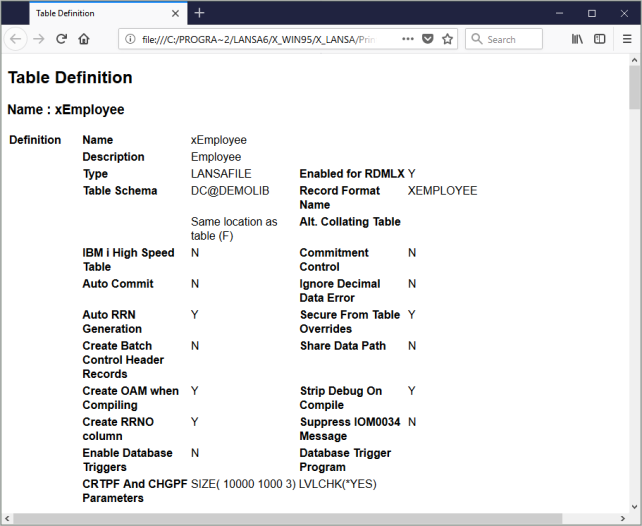
- Field, Table and Process (objects without source code) can be printed using the context menu in the Repository Tab. The requested information will be displayed in a browser window where the Print Option on the File menu can be selected to print the information.
...