Page History
...
- Property settings such as Height, Width, Visible, Caption etc.
- Controls or other components on the ancestor form.
- Event routines, subroutines, user-defined events, properties and methods as the ancestor.
By default forms inherit from #PRIM_FORM which is the basic Visual LANSA form. It cannot be modified. However, you can specify any other form as the ancestor of a form.
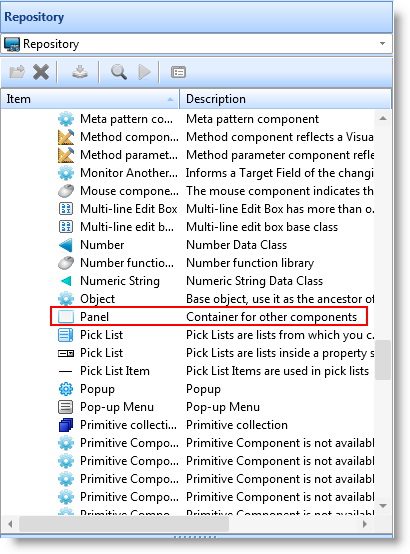
By default reusable parts inherit from #PRIM_PANEL. It is the basic Visual LANSA panel. You can make the ancestor of a reusable part to be any type of component (except a form), such as a button (#PRIM_PHBN) or a LANSA field. If the reusable part contains only logic (and no visual interface), it is most memory efficient to make its ancestor #PRIM_OBJ.
The Ancestor and other Inheritance-related properties are only visible in the editor when the Show Advanced Features option is selected in the LANSA Settings dialog.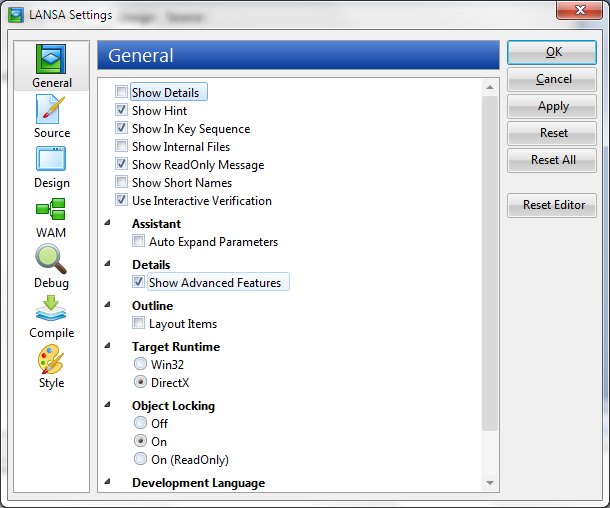
2.16.1 Form Ancestor