Page History
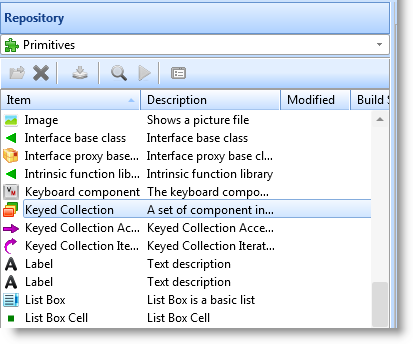
Collections are just what their name implies: a grouping of components of the same type.
In its simplest form a collection may be thought of as an array or a list. For example, you can create a collection of employee names (field #FULLNAME) indexed by a number like this:
Define_Com Class(#PRIM_KCOL<#FullName #Std_Num>) Name(#Employees)
...
Collections are much smarter than arrays because rather than being indexed by a number they can be keyed by anything you choose. For example you can create a collection of employee salaries that is keyed by their names like this:
Define_Com Class(#PRIM_KCOL<#Salary #FullName>) Name(#Employees)
...
The power of collections start to become obvious when you use them to collect more complex objects than just simple names and salaries. For example, imagine you had a form named FORMA. In another form named FORMB you can create a collection of FORMAs like this:
Define_Com Class(#PRIM_KCOL<#FORMA #Std_Num>) Name(#ChildForms)
By keeping a collection of child forms like this you can easily manage them singly or as a whole group. 
2.17.1 Types of Collections