Page History
The application is now complete.1. To
- To compile the program, select the Compile command on the ribbon.
...
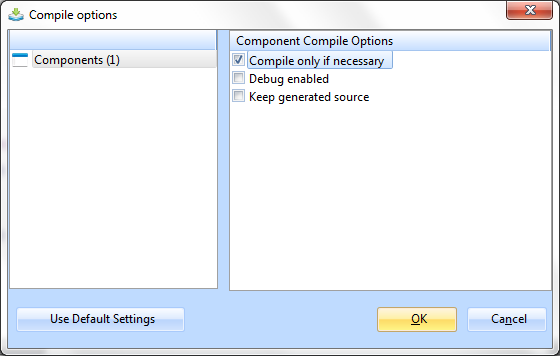
You do not need to keep the generated source or debug enable your component. In the Component Compile Options dialog box specify the options like this:
...
...
- Click OK.
...
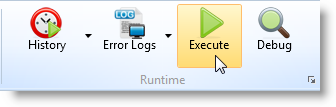
- After the compilation has ended, execute your program using the Execute command:
...
...
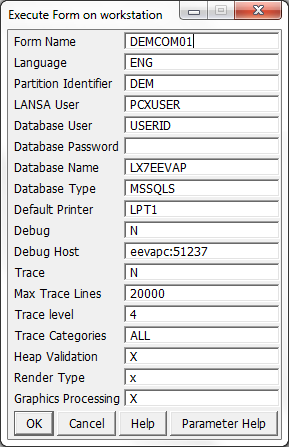
Note that you can also execute the form outside the LANSA development environment. From your LANSA System's desktop folder, select Execute Applications and then Exec Form:
...