Page History
Use the BorderIcons property to define which buttons are shown in the title bar.
By default the Minimize, Maximize and Close buttons are shown.
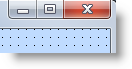
Any changes you make to these buttons are only shown at run-time, not at design-time.
You can select the Help button only if the Minimize or Maximize buttons are not selected.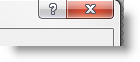
At run-time when the Help button is clicked, the cursor is changed to context-sensitive help icon.
Then when the user clicks on a component on the form, context-sensitive help for that component is displayed if it exists.
In addition to the BorderIcons property, the FrameStyle property of the form affects the title bar buttons. This property also controls whether the window has a frame, title bar or an icon at run-time.
A form with FrameStyle Dialog is not sizable and it does not have a system menu in the left top corner. It can have Minimize, Maximize and Help buttons.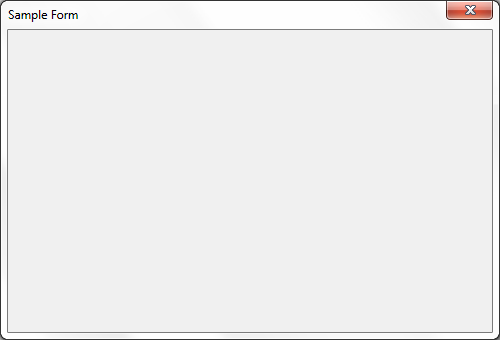
A form with FrameStyle Sizable has a system menu and can be sized using the mouse or the system menu: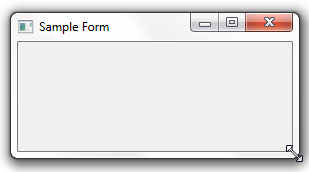
A form with FrameStyle ToolWindow or SizeToolWindow has only the close button and the text of the title is in small font: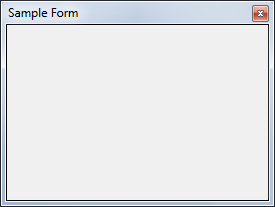
These forms cannot have an icon and they do not appear on the Windows task bar. Forms with FrameStyle SizeToolWindow are sizable.