Page History
...
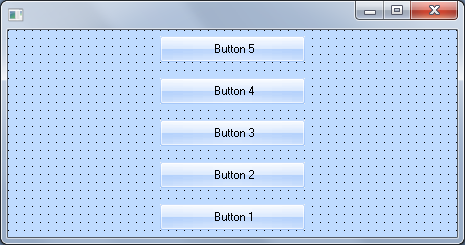
Here is a form with a TopToBottom layout:
And here is a LeftToRight layout: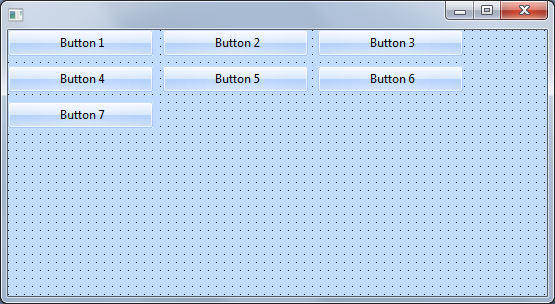
When you add components to a container with a flow layout manager they are automatically aligned and adjusted in the specified order. The spacing between the components is automatic. The order in which the components are added is determined by their DisplayPosition property value.
This is what the layout looks like in the Layout Helper (to display it click on the button with ellipses in the LayoutManager property of the Details tab of the container):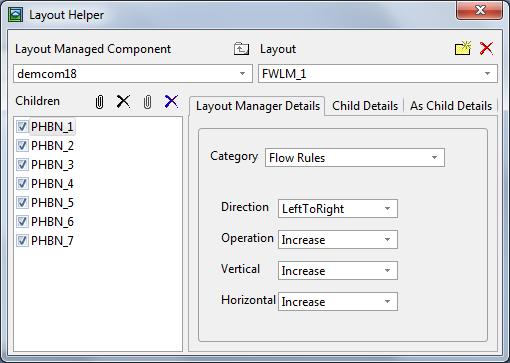
The flow layout managers have also various FlowOperation properties which can be used to fine tune how the rows and columns are filled. The ItemsPerDivision property can be used to specify the number of columns (Top to Bottom, Bottom to Top) or the number of rows (Left to Right, Right to Left). When this property is set to 0 the number of columns and rows will be adjusted automatically according to available space.