Page History
Our example application inserts text from the LANSA repository for a selected employee to the Word document. The places where text will be inserted in the document in are marked as bookmarks in the document. To view them, create a new document based on the vl_sam099.dot template and select the Bookmarks option from the Insert menu in Word.
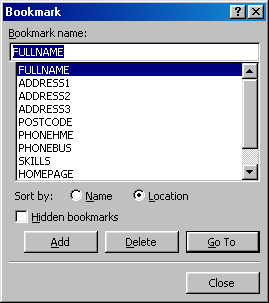
The bookmarks are shown as brackets in the document: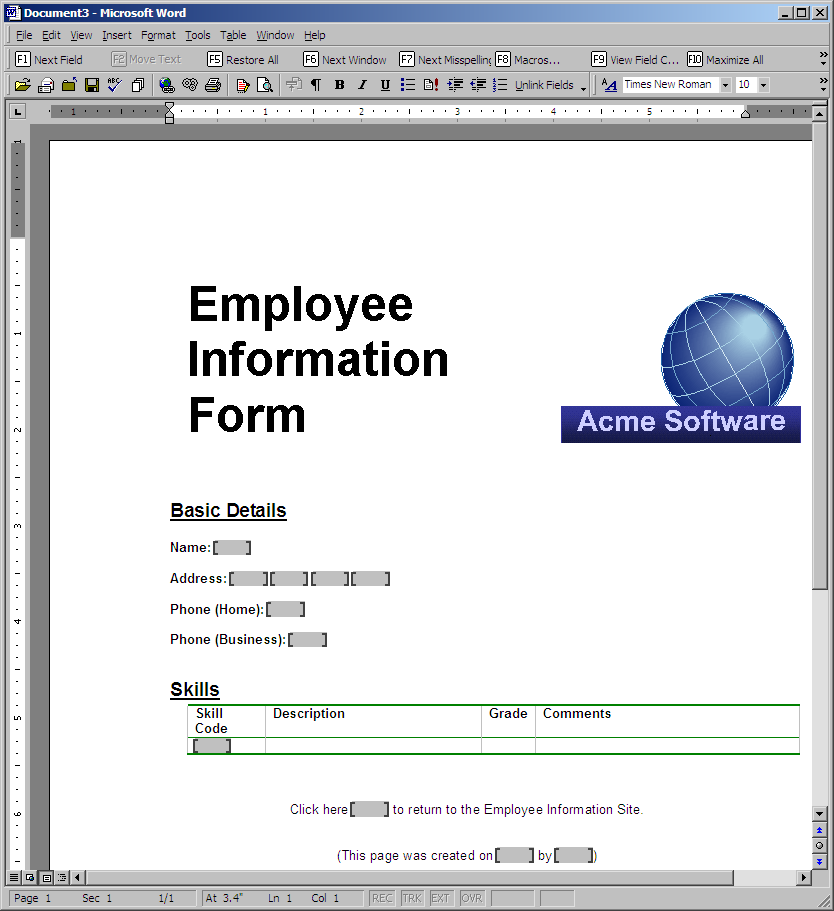
All the bookmarks in the document make up its Bookmarks collection. You refer to the individual bookmarks by their name:
#WordDoc.Bookmarks.item<'address1'>
The Insert Data for Employee button is used to insert the details of the currently selected employee in the document. In the Click event of this button a bookmark is first selected using its Select method and the current contents of a LANSA field are then inserted using the TypeText method:
     invoke method(#WordDoc.Bookmarks.item<'address1'>.select)
     invoke method(#WordApp.Selection.TypeText) text(#address1
...
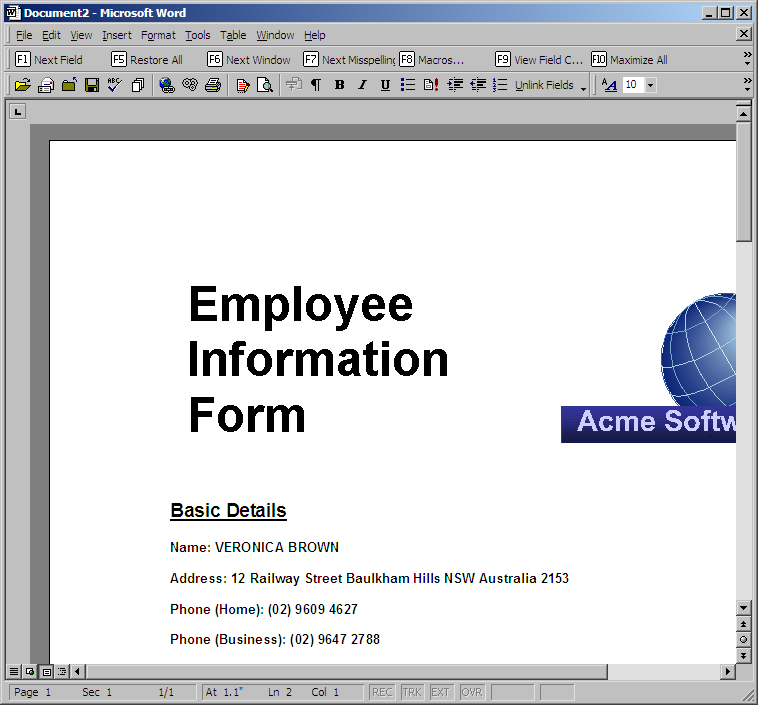
These methods are invoked for all the bookmarks in the document.