Page History


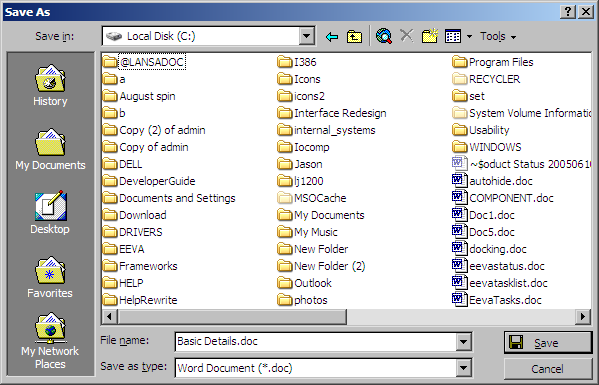
The Save... button in our example displays the Word built-in Save Document dialog using the Show method of the Dialog object. You can access any Word built-in dialog using this method.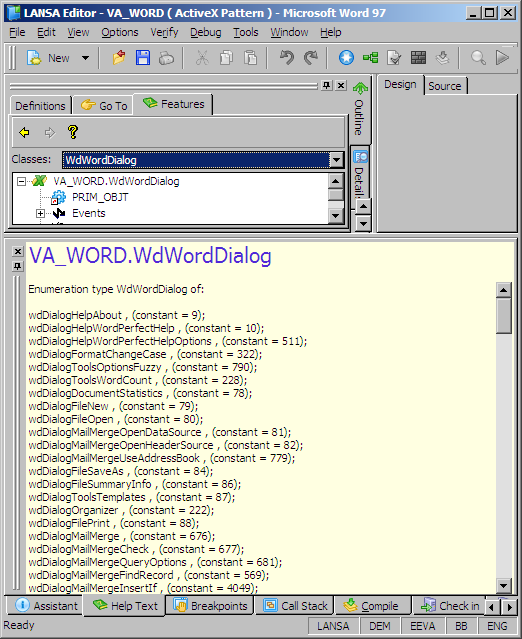
To access the Word built-in dialogs you need to use the ITEM keyword and you need to enclose the name of the dialog in <> signs. The name of the dialog has to be qualified by the name of the type library, VA_WORD:
invoke method(#WordApp.Dialogs.item<VA_WORD.wdDialogFileSaveAs>.show)
The functionality of the Save As dialog is now available to you: