Page History
On the main Google main Google Developer Console screenConsole screen, go to the Library tabthe Library tab.
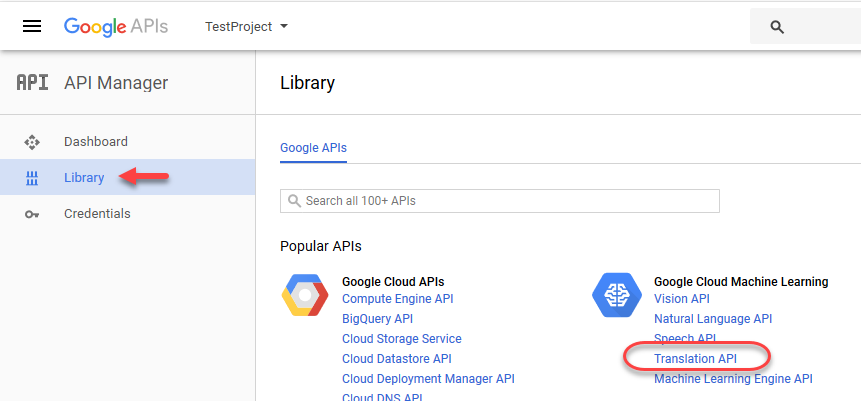
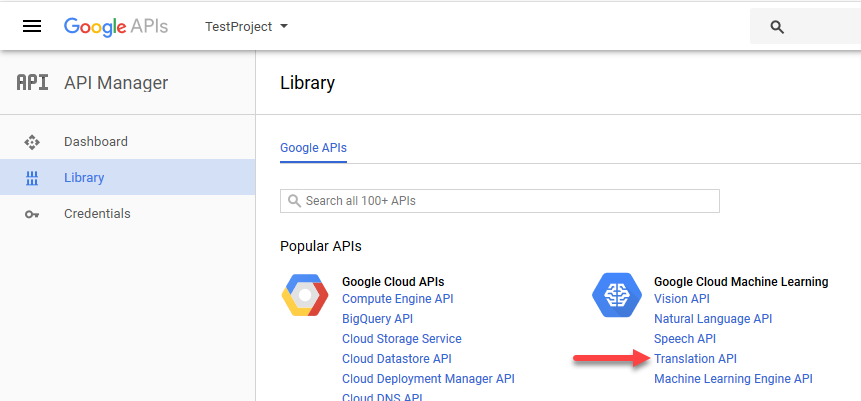
Click on the Translation API linkthe Translation API link.
You will be brought into the Google the Google Cloud Translation API configuration API configuration page.
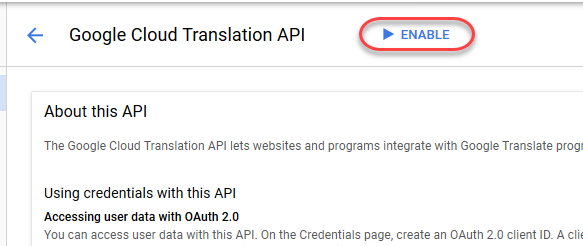
You will see the Enable button the Enable button at the top.
Click the Enable buttonthe Enable button.
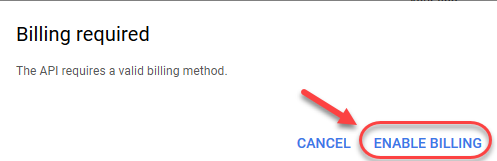
You will be prompted to enable billing as Google Translate API is part of the Google Cloud Platform.
Click the Enable Billing buttonthe Enable Billing button.
Now you will most likely see a notice that you don't have a billing account (unless you have an existing account and you are the administrator).
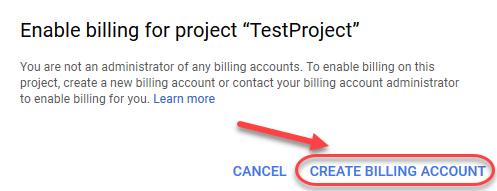
Click the Create the Create Billing Account buttonAccount button.
You will be presented with Google with Google Cloud Platform signup Platform signup screen.
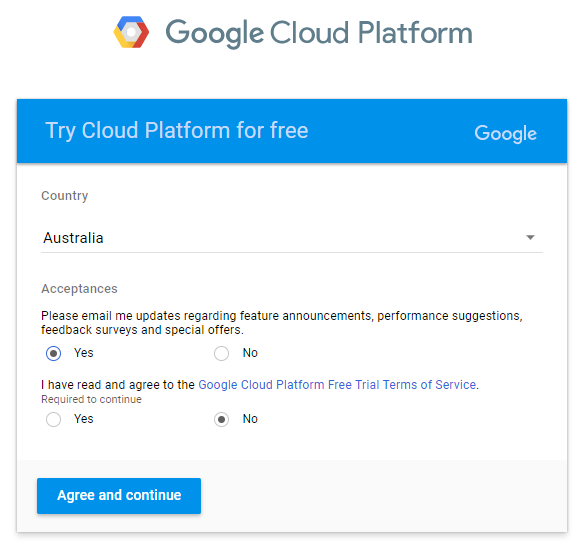
Choose your country, read the agreement, and continue.
Fill out your billing & credit card details.

Click the Start the Start my free trial buttontrial button.
Enable the Google Translate API.
Next: Generating an API Key