Page History
After you have installed and configured your LANSA Web installation, you should test that your web configuration connects correctly.
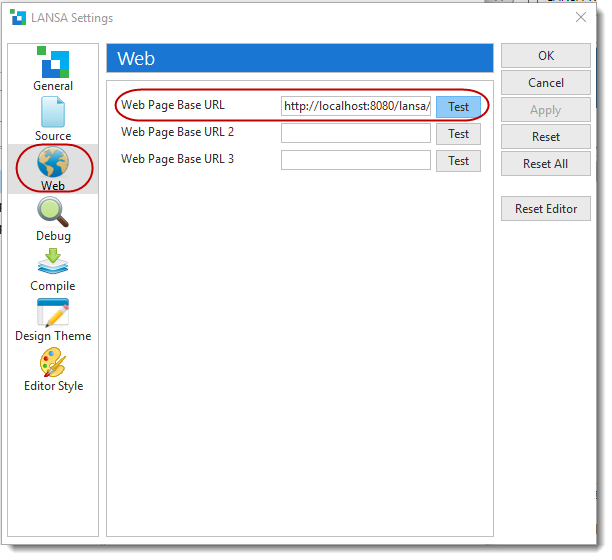
To test it, you can run this test from within the LANSA Editor, Choose File then Options from the menu, and then the Web icon from the LANSA Settings. Click on the Test button for Web Page Base URL. The Web Page Base URL will be displayed in this format:
http://<host:port number>/<install name>/<RDMLX partition>/xvlwebtst.html
For example,http://localhost:8080/lansa/dem/xvlwebtest.html

The following page will be displayed: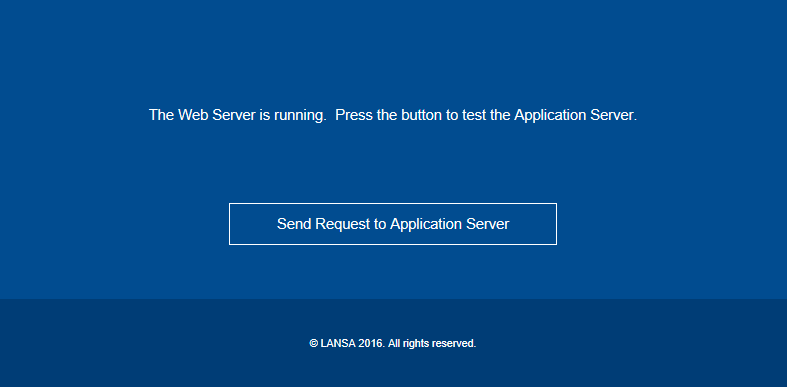
Click on the Send Request to Application Server button, and the following page will be displayed: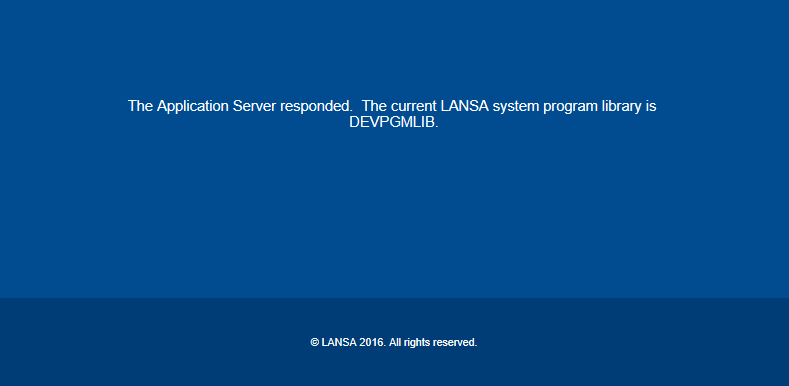
Note that DEVPGMLIB is just an example and that your system program library may have a different name.