Page History
In this step you will take snapshots of your two destination screens NewEmployee and DisplayEmployee. These snapshots will be used in the next tutorial to enhance your prototype.
1. Logon and navigate to the NewEmployee screen.
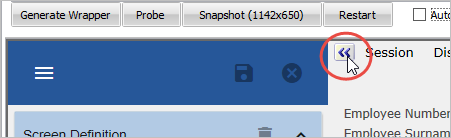
2. Make sure that the tab sheet (Screens, AutoGUI, Keymaps) on the left of the RAMP-TS 5250 emulator is hidden.
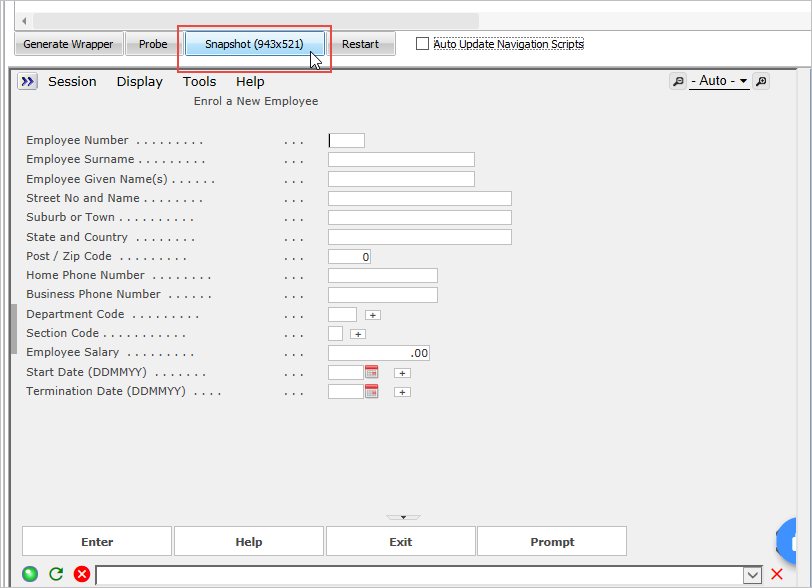
3. Click on the Snapshot button:
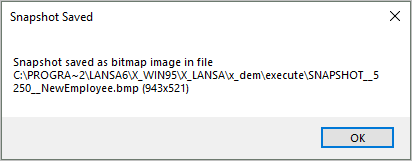
4. Note the message indicating that the snapshot is saved in your partition execute directory:
5. Take a snapshot of the DisplayEmployee screen.
6. Do a partial save of the RAMP information.