Page History
You can hide the screen title either by moving the RAMP screen up so that the title is hidden or by applying a mask on the title to hide it.
You set the RAMP screen position and mask in the Session details of the Default Session in RAMP Tools:
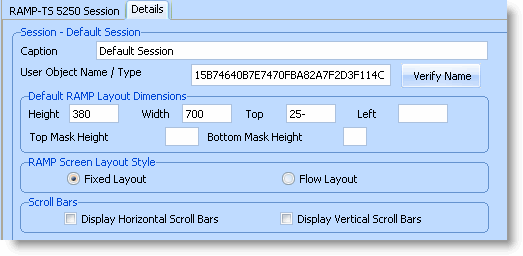
You can override these settings for individual destination screens by changing the Layout Dimensions in the Destination Screen Details.
Moving the Screen
To move the screen up so that the title is hidden, set the Top property to a negative value: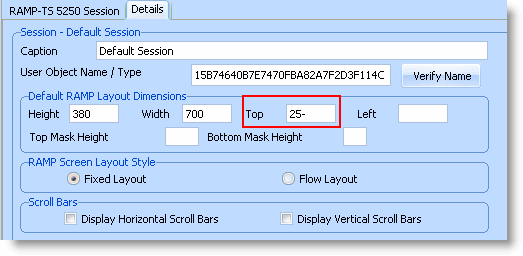
Masking the Title
To mask the title, set the Top Mask Height property to a height that covers the title: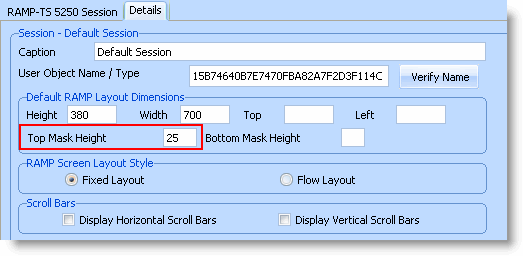
Not applicable to RAMP Web.