Page History
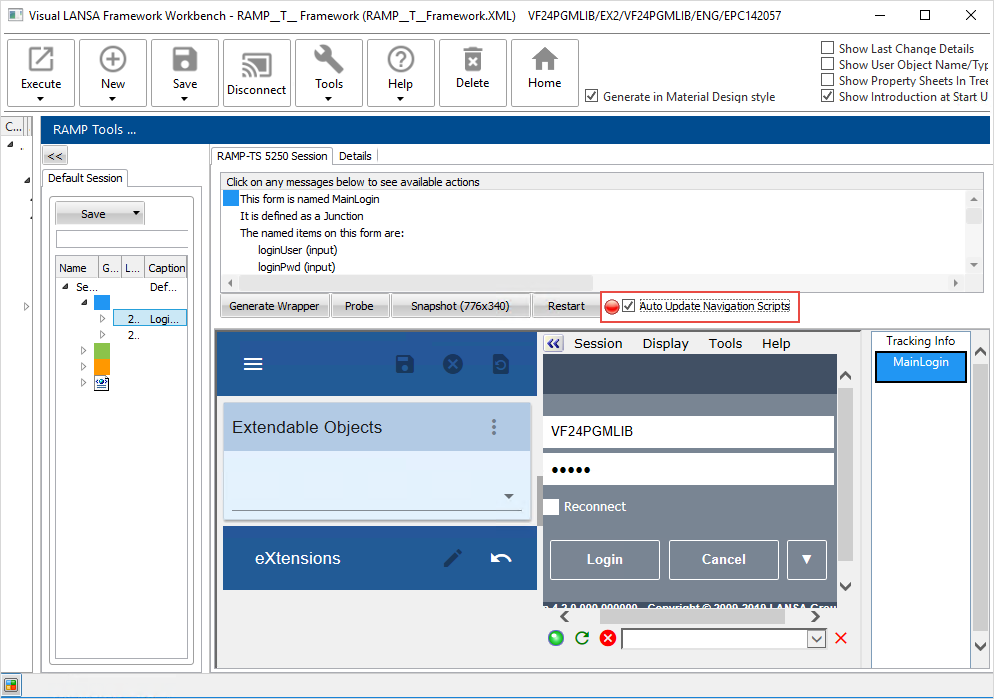
In RAMP Tools, start at the MainLogin screen. (If necessary, sign off and click the Restart button, or connect and start RAMP).
Select the Auto Update Navigation Scripts checkbox:
You may get an information message like this one:
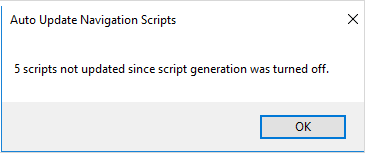
It's telling us there are 5 classified screens that have not been choreographed.