Page History
Connect to the host if required and start RAMP Tools.
Sign in so that you arrive at the MAIN screen.
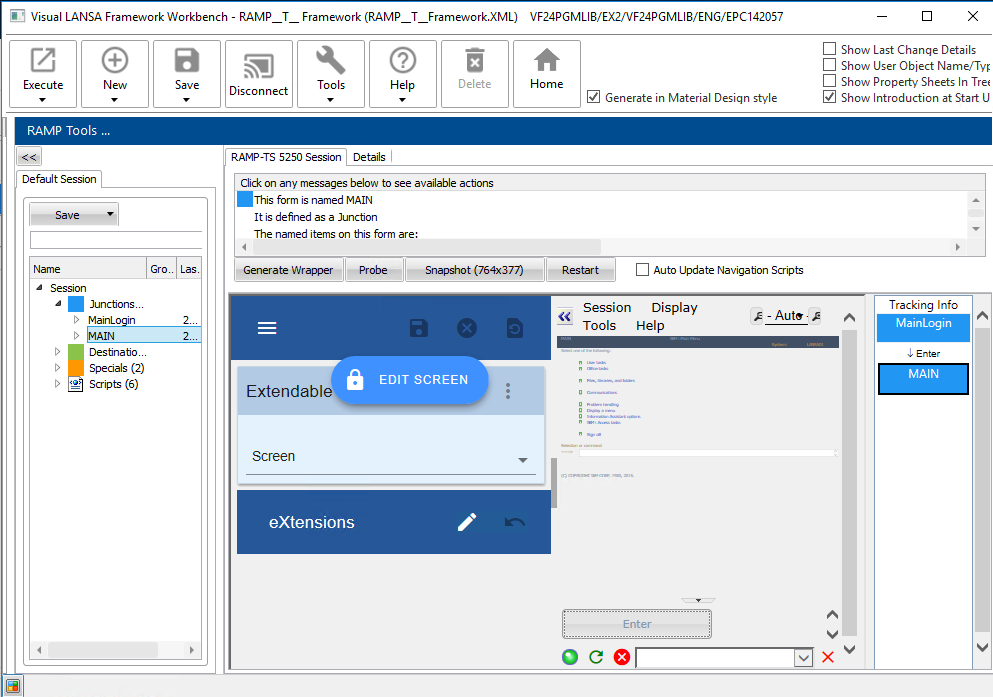
In the COMMAND field type to display the Product Maintenance screen:
lansa run df_ramp dfrprom partition(Dem)
...
Press Enter.
Identify this screen as PRO_KEY.
Set the name of the Item Number input field to KEY:
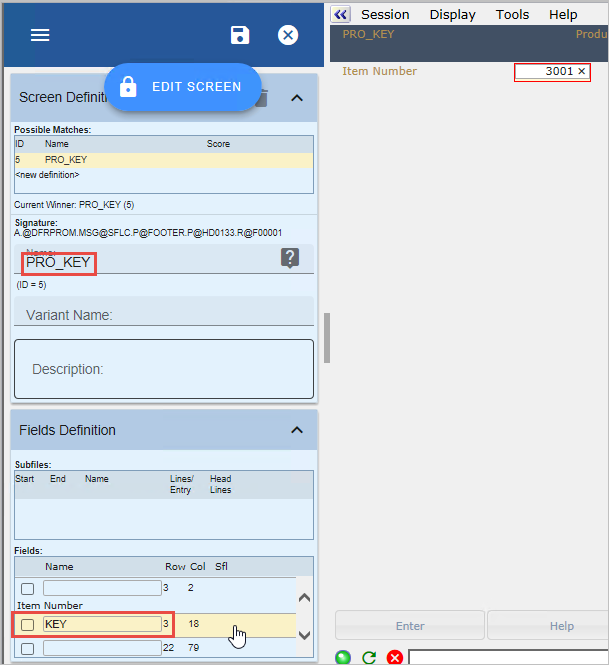
Save the screen.
The screen is now recognized:
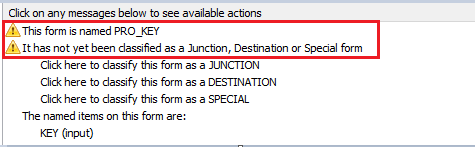
Classify PRO_KEY as a JUNCTION:
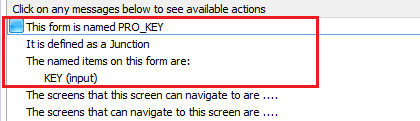
Type 3001 in the KEY field.
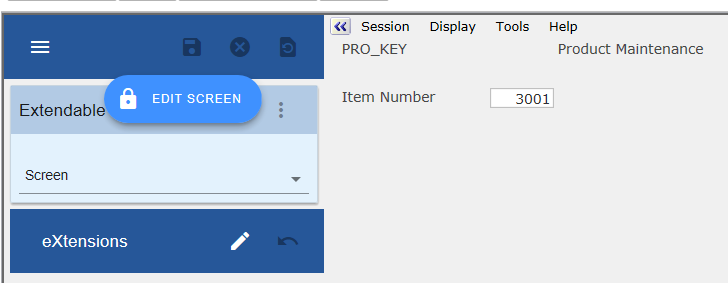
Press Enter to arrive at the Product Maintenance screen.
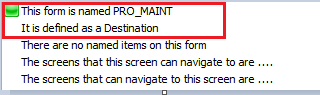
Set the name of this screen to PRO_MAINT.
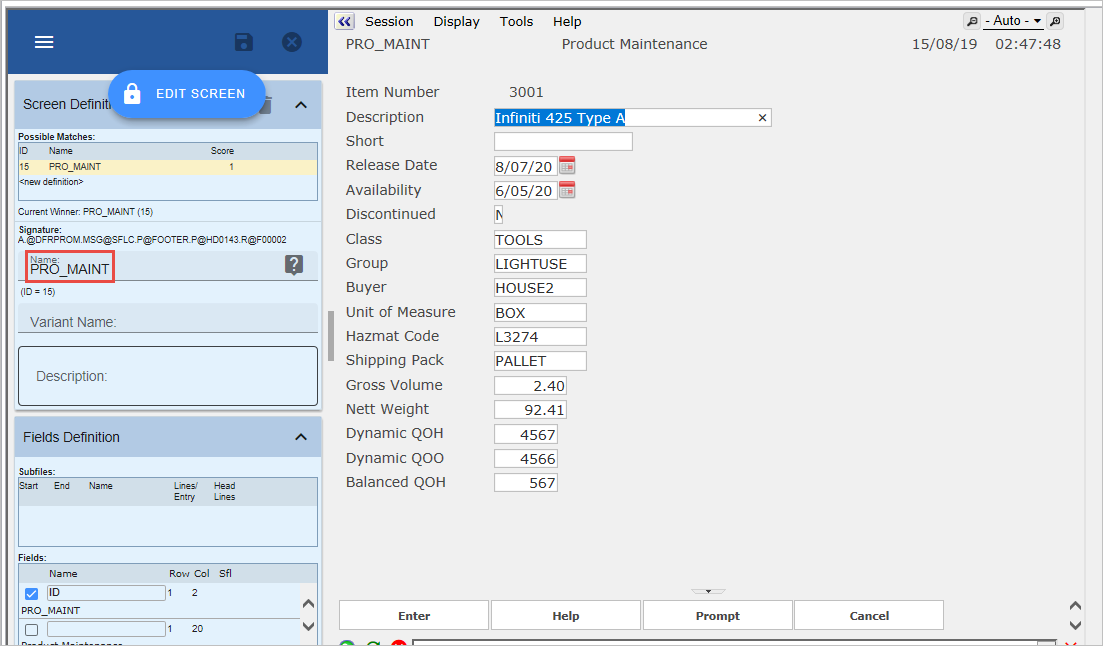
Classify it as a Destination.
Save the screen: