Page History
Start at the MainLogin junction.
If necessary sign off the 5250 session.
Enable Auto Update Navigation Scripts, then sign in.
In the COMMAND field in the IBM i Main Menu type:
lansa run df_ramp dfrprom partition(Dem)
Press Enter:


Type 3001 as the product number and press Enter.
You will arrive at the Product Details for product 3001:
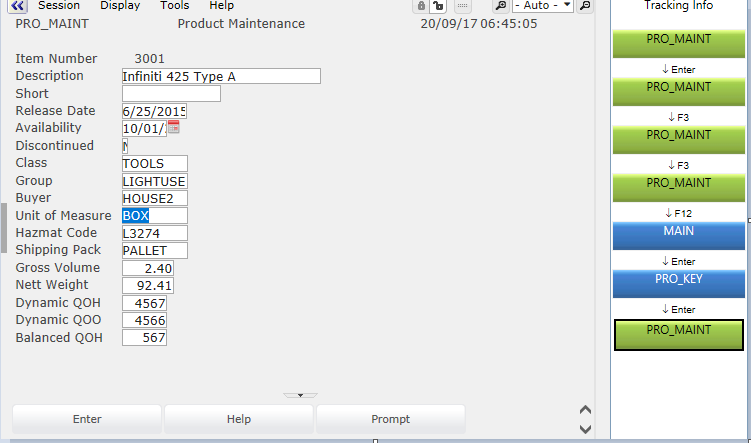
Press F12 to exit.
Turn Auto Update Navigation Scripts off.
Save the Framework.
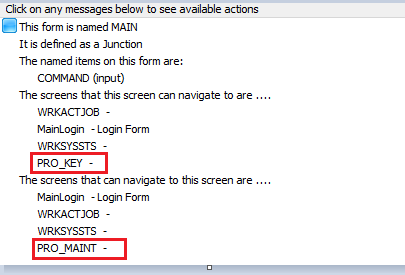
Notice the information available now in MAIN: